
HP Laptop Service Center in Patna – Fix Laptop Hang & Stuck Issues Quickly
Is your HP laptop freezing, hanging, or getting stuck frequently? If yes, you’re not alone. Many users face performance issues due to software errors, hardware problems, or inadequate maintenance. If you are searching for a reliable HP Laptop Service Center in Patna, you are in the right place.
We provide expert solutions to fix all types of HP laptop problems, including hanging, slow performance, and system freezing issues.
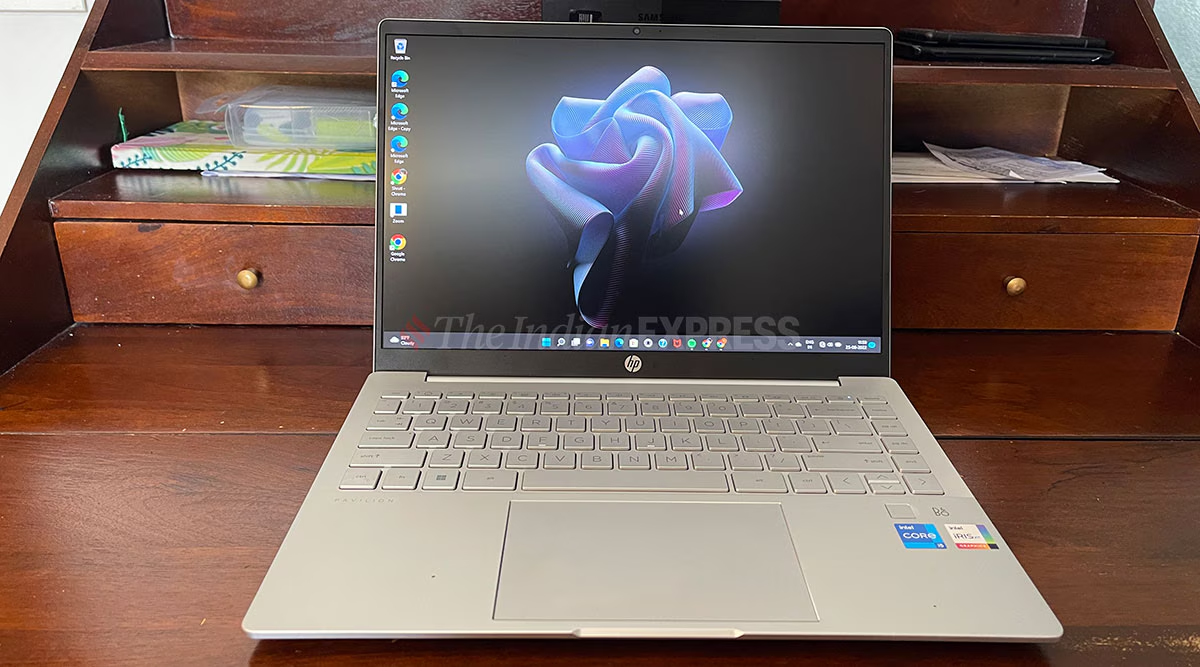
Common Reasons Why an HP Laptop Hangs or Gets Stuck
Understanding the cause is the first step toward fixing the issue. Here are the most common reasons:
1. Low RAM or Memory Issues
When your laptop doesn’t have enough RAM, it struggles to handle multiple tasks, causing it to hang.
2. Hard Disk or SSD Problems
A damaged or slow hard drive can lead to frequent freezing and lagging.
3. Overheating Issue
Excess heat can slow down your system and cause sudden freezing.
4. Virus or Malware Attack
Malicious software can affect performance and make your laptop unresponsive.
5. Too Many Background Applications
Running multiple programs at the same time consumes system resources.
6. Outdated Drivers or Windows
Old drivers and outdated operating systems can cause compatibility issues.
Signs Your HP Laptop Needs Professional Repair
- The laptop takes too long to start
- Screen freezes frequently
- Programs stop responding
- Sudden shutdowns
- Blue screen errors
If you notice these issues, it’s time to visit a trusted HP Laptop Service Center in Patna.
How We Fix HP Laptop Hang Problems
At our service center, we follow a professional repair process:
✔ Complete System Diagnosis
We identify the root cause of the problem.
✔ RAM Upgrade
Upgrade your laptop for smoother performance.
✔ SSD Installation
Replace old HDD with SSD for faster speed.
✔ Virus Removal
Remove malware and improve system performance.
✔ Cooling System Repair
Fix overheating by cleaning fans and applying thermal paste.
✔ Software Optimization
Update drivers, Windows, and optimize settings.
Why Choose Our HP Laptop Service Center in Patna?
- Experienced and certified technicians
- Fast and reliable service
- Affordable pricing
- Genuine parts used
- Same-day repair available
We ensure your laptop runs like new after repair.
Tips to Prevent Laptop Hanging Issues
- Keep your system updated
- Avoid installing unnecessary software
- Use antivirus protection
- Clean your laptop regularly
- Upgrade RAM or SSD if needed
Conclusion
Laptop hanging and stuck issues can seriously affect your work and productivity. Instead of struggling with a slow system, visit a professional HP Laptop Service Center in Patna for a quick and effective solution. Our experts are ready to diagnose and fix your laptop problems efficiently.