
HP Care in Patna
A heating laptop is more than just an inconvenience—it can reduce performance, cause unexpected shutdowns, shorten hardware lifespan, and even lead to permanent damage if ignored. If your HP laptop heating issue is affecting your daily work, gaming, studies, or business, it is important to identify the cause early and get it checked by professionals.
At HP Care in Patna, we provide reliable diagnosis and repair services for HP laptops experiencing overheating problems. Our experienced technicians inspect the cooling system, internal components, and software settings to help restore your laptop’s performance.
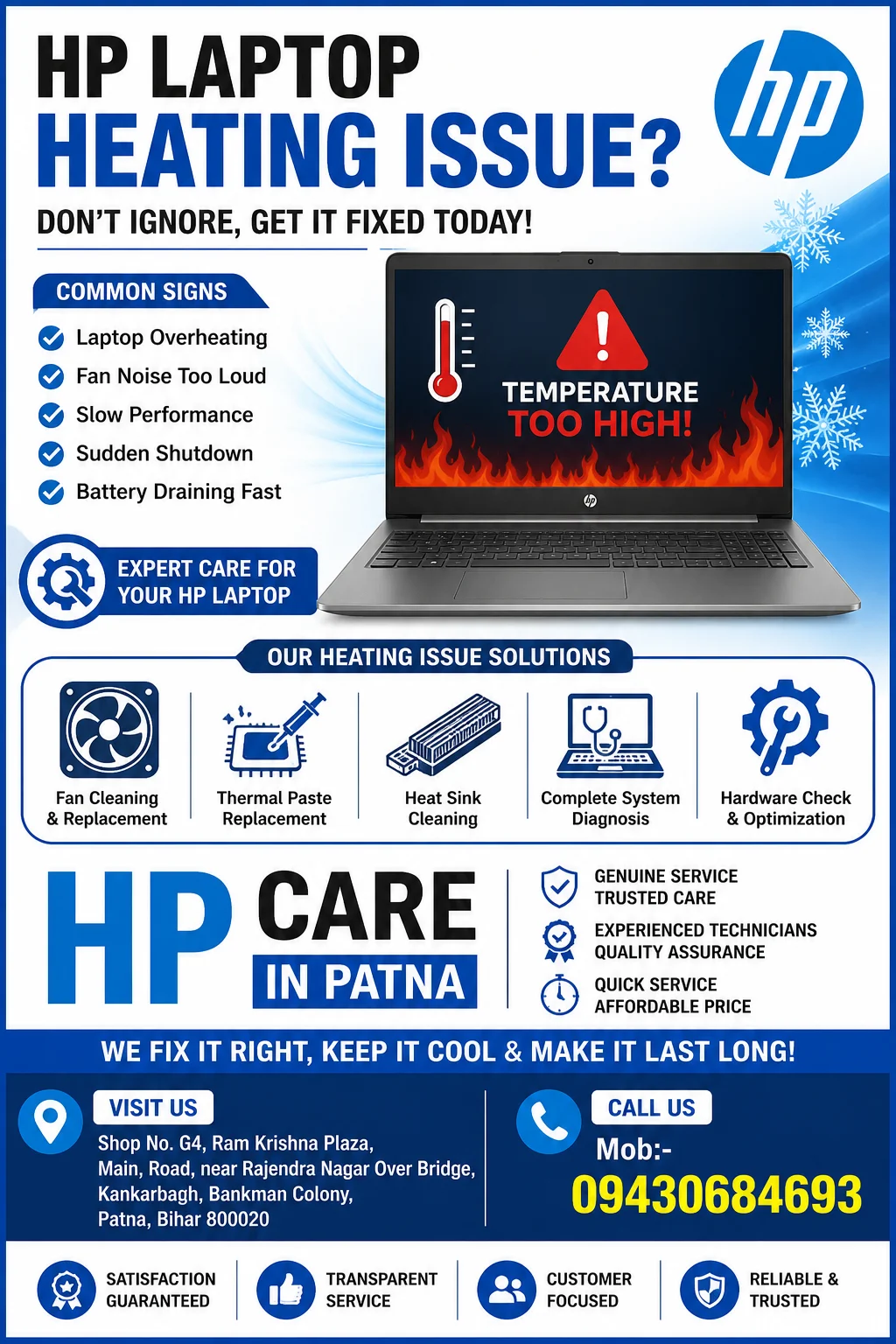
Common Signs of an HP Laptop Heating Issue
Many users ignore early symptoms until the laptop starts shutting down automatically. Watch for these warning signs:
- Laptop becomes extremely hot during normal use
- Cooling fan runs continuously at high speed
- Slow system performance
- Unexpected shutdowns or restarts
- Loud fan noise
- Keyboard or bottom panel feels excessively hot
- Battery drains quickly
- Frequent application crashes while multitasking
Ignoring these symptoms can increase the risk of motherboard damage and reduce your laptop’s overall lifespan.
Why Does an HP Laptop Overheat?
Several factors may contribute to overheating.
Dust Blocking the Cooling System
Dust accumulation inside the cooling fan and heat sink prevents proper airflow, causing internal temperatures to rise significantly.
Old or Dry Thermal Paste
Thermal paste transfers heat from the processor to the heat sink. Over time, it dries out and loses effectiveness, leading to higher CPU temperatures.
Faulty Cooling Fan
A damaged or slow-moving fan cannot dissipate heat efficiently, causing the laptop to overheat during regular usage.
Heavy Software Usage
Running multiple applications, video editing software, virtual machines, or games simultaneously places additional load on the CPU and GPU.
Malware or Background Processes
Malicious software and unnecessary startup programs continuously consume system resources, increasing processor temperature.
Poor Ventilation
Using your laptop on a bed, pillow, or other soft surfaces blocks air vents and restricts cooling.
How to Reduce HP Laptop Heating
Before seeking professional repair, you may try these simple steps:
Keep Air Vents Clean
Regularly remove dust from the ventilation openings using compressed air.
Use a Hard Surface
Always place your laptop on a flat, hard surface to allow proper airflow.
Close Unnecessary Programs
Reduce CPU usage by closing applications running in the background.
Update Drivers and BIOS
Updated firmware often includes thermal management improvements.
Adjust Power Settings
Balanced power mode helps reduce processor load during normal tasks.
Professional HP Laptop Heating Repair in Patna
If basic troubleshooting does not solve the problem, professional inspection is recommended.
At HP Care in Patna, our technicians carefully diagnose the root cause instead of treating only the symptoms.
Our heating issue repair services include:
- Complete laptop health diagnosis
- Internal dust cleaning
- Cooling fan inspection
- Fan replacement (if required)
- Thermal paste replacement
- Heat sink cleaning
- Motherboard temperature inspection
- Processor cooling optimization
- BIOS updates
- Performance testing after repair
Our goal is to restore stable temperatures while maintaining your laptop’s performance.
Why Choose HP Care in Patna?
Choosing an experienced service provider can help avoid unnecessary part replacements and repeated repairs.
Experienced Technicians
Our professionals are trained to diagnose various HP laptop models efficiently.
Advanced Diagnostic Process
We inspect both hardware and software to identify the actual source of overheating.
Quality Spare Parts
When replacement components are required, we use quality-compatible parts designed for reliable performance.
Transparent Service
Customers receive a clear explanation of the problem and recommended repairs before work begins.
Quick Turnaround
Many heating-related issues can be diagnosed and serviced promptly, depending on the condition of the device.
Models We Service
We provide repair support for various HP laptop series, including:
- HP Pavilion
- HP ProBook
- HP EliteBook
- HP Envy
- HP Spectre
- HP Victus
- HP Omen
- HP Notebook Series
Prevent Future Heating Problems
Following a few maintenance practices can help reduce overheating risks:
- Clean internal dust every 6–12 months
- Replace thermal paste periodically if recommended
- Avoid blocking ventilation grills
- Keep Windows and drivers updated
- Scan regularly for malware
- Use original or compatible chargers
- Avoid prolonged use in high-temperature environments
Routine maintenance can significantly improve cooling efficiency and overall laptop reliability.
When Should You Visit a Repair Center?
Professional inspection is recommended if:
- The laptop shuts down because of heat
- Fan noise becomes unusually loud
- Temperature remains high after cleaning
- Performance drops suddenly
- Burning smell is noticed
- Blue screen errors appear frequently
- The laptop becomes too hot to use comfortably
Early diagnosis may help prevent more expensive repairs later.
Visit HP Care in Patna for HP Laptop Heating Issues
If your HP laptop is overheating, slowing down, or shutting down unexpectedly, timely inspection can help identify the underlying cause and prevent further damage.
HP Care in Patna offers professional diagnosis and repair services for a wide range of HP laptop heating issues. Whether the problem is related to dust buildup, cooling fans, thermal paste, or internal hardware, our technicians are committed to providing reliable solutions tailored to your device.
Frequently Asked Questions (FAQs)
Why is my HP laptop getting hot quickly?
Common reasons include dust buildup, blocked air vents, heavy software usage, dried thermal paste, or a faulty cooling fan.
Can overheating damage my HP laptop?
Yes. Continuous overheating may affect the processor, battery, motherboard, storage devices, and overall system stability.
How often should an HP laptop be cleaned?
For most users, internal cleaning every 6 to 12 months helps maintain proper airflow and cooling performance.
Does replacing thermal paste reduce laptop temperature?
Yes. Fresh thermal paste improves heat transfer between the processor and heat sink, often lowering operating temperatures.
Can software cause an HP laptop heating issue?
Yes. High CPU usage from background applications, malware, or resource-intensive software can increase internal temperatures.
Do I need professional repair for overheating?
If the laptop continues overheating after basic cleaning and software optimization, professional diagnosis is recommended to identify hardware-related issues.