
Authorised HP Laptop Service Center in Patna
A reliable battery is essential for the smooth performance of your HP laptop. Whether you use your laptop for office work, online classes, business, programming, graphic design, or entertainment, battery problems can interrupt your productivity. If you are searching for an Authorised HP Laptop Service Center in Patna for HP laptop battery repair, HP Care Patna provides professional diagnostics and repair support for a wide range of HP laptop models.
Battery issues should be inspected promptly to prevent further hardware complications and ensure consistent performance.
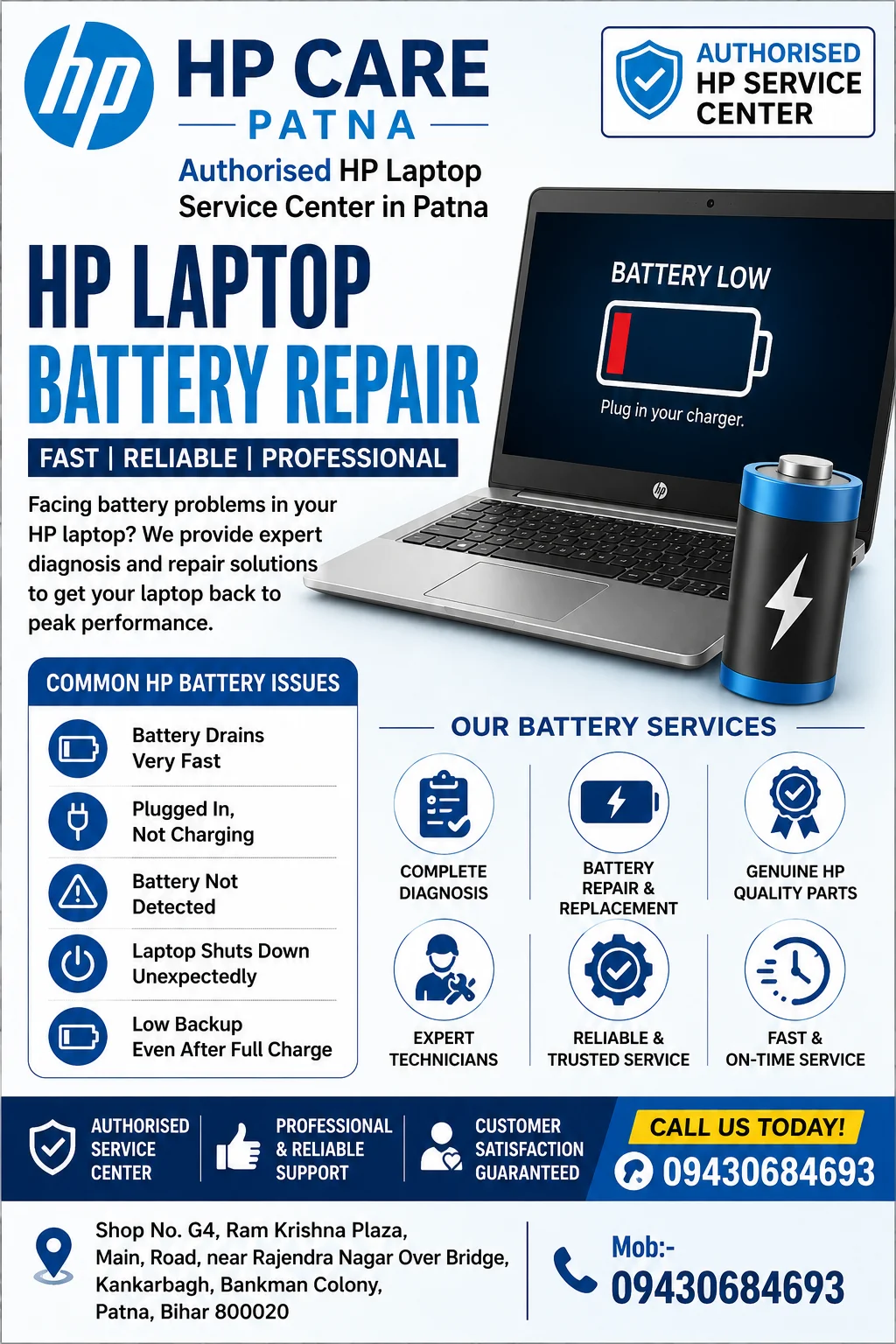
Authorised HP Laptop Service Center in Patna
Common HP Laptop Battery Problems
Battery-related issues can develop gradually due to regular usage or appear suddenly because of charging or hardware faults.
Some common HP laptop battery problems include:
- Battery drains very quickly
- Laptop is not charging
- Plugged in but not charging
- Battery percentage stuck at one level
- HP battery health warning
- Laptop shuts down unexpectedly
- Battery not detected
- Swollen battery
- Low battery backup
- Battery charging slowly
Professional inspection helps determine whether the issue lies in the battery, charger, charging port, motherboard, or software.
Signs Your HP Laptop Battery Needs Repair
Your laptop may require battery diagnosis if you notice:
- Battery backup lasts only a short time
- Laptop powers off without warning
- Battery percentage changes suddenly
- HP displays battery replacement notification
- Battery overheats during charging
- Laptop only works with the charger connected
- Battery fails to charge completely
Ignoring these warning signs may reduce your laptop’s overall efficiency.
Causes of HP Laptop Battery Issues
Several factors can contribute to battery failure.
1. Battery Wear
Rechargeable lithium-ion batteries naturally lose capacity after repeated charging cycles.
2. Excessive Heat
High temperatures accelerate battery degradation.
3. Faulty Power Adapter
A damaged or incompatible charger can prevent proper charging.
4. BIOS or Driver Problems
Outdated firmware or battery drivers may cause charging errors.
5. Charging Port Damage
Loose or damaged charging ports can interrupt power delivery.
6. Motherboard Charging Circuit Issues
Internal hardware faults may prevent the battery from charging correctly.
Professional HP Laptop Battery Diagnosis
At HP Care Patna, technicians carefully inspect your laptop before recommending any repair.
The diagnostic process may include:
- Battery health testing
- Adapter voltage inspection
- Charging port examination
- Motherboard charging circuit testing
- BIOS battery status verification
- Battery calibration check
- Windows battery report analysis
Proper diagnosis ensures the root cause is identified before any repair or replacement is suggested.
Authorised HP Laptop Service Center in Patna
HP Laptop Models Supported
Battery repair services are available for various HP laptop series, including:
- HP Pavilion
- HP ProBook
- HP EliteBook
- HP Spectre
- HP ENVY
- HP Victus
- HP Omen Gaming Laptops
- HP Chromebook
- HP Essential Series
Benefits of Professional HP Laptop Battery Repair
Professional battery service offers several advantages:
- Accurate battery diagnostics
- Safe battery handling
- Improved battery performance
- Better charging reliability
- Reduced risk of unexpected shutdowns
- Longer overall laptop usability
- Professional inspection of related hardware components
Tips to Extend HP Laptop Battery Life
Follow these best practices to maximize battery lifespan:
- Use the original compatible HP charger.
- Avoid exposing the laptop to excessive heat.
- Keep BIOS and Windows updated.
- Reduce unnecessary background applications.
- Lower screen brightness when possible.
- Avoid frequent complete battery discharge.
- Enable battery optimization settings.
- Keep laptop ventilation clean.
Good charging habits can significantly improve battery longevity.
When Should You Replace Your HP Laptop Battery?
Battery replacement may be necessary if:
- Battery health is significantly degraded.
- The battery no longer holds sufficient charge.
- Battery is swollen.
- Charging fails despite software troubleshooting.
- Battery backup has become extremely short.
A professional inspection helps determine whether repair or replacement is the appropriate solution.
Why Choose HP Care Patna?
Customers trust HP Care Patna because of:
- Experienced laptop technicians
- Professional battery diagnostics
- Support for multiple HP laptop models
- Transparent repair process
- Careful hardware inspection
- Focus on quality service
- Convenient location in Patna
Frequently Asked Questions
Why is my HP laptop battery draining so fast?
Battery drain may result from battery aging, heavy applications, overheating, incorrect power settings, or hardware issues. Professional diagnosis can identify the exact cause.
Why does my HP laptop say “Plugged In, Not Charging”?
This issue may occur due to battery wear, charger faults, BIOS settings, charging circuit issues, or driver problems.
Can a swollen HP laptop battery be repaired?
A swollen battery generally requires replacement because continued use may create safety risks.
How long does an HP laptop battery usually last?
Most HP laptop batteries provide reliable performance for several years under normal usage, although lifespan varies depending on charging cycles and usage habits.
Does BIOS affect battery charging?
Yes. An outdated BIOS or firmware may sometimes interfere with battery charging and power management.