
hp laptop speaker repair in patna
HP Laptop Speaker Not Working? Causes, Solutions, and Professional Repair in Patna
Laptop speakers are important for everyday tasks like attending online meetings, watching videos, listening to music, and communicating during video calls. When the speaker of your HP laptop suddenly stops working, it can become very frustrating. Many users experience problems such as no sound, low sound, distorted audio, or speakers not being detected by the system.
If you are facing such issues, understanding the possible causes can help you find the right solution. In many cases, professional hp laptop speaker repair in patna can quickly restore your laptop’s sound performance.
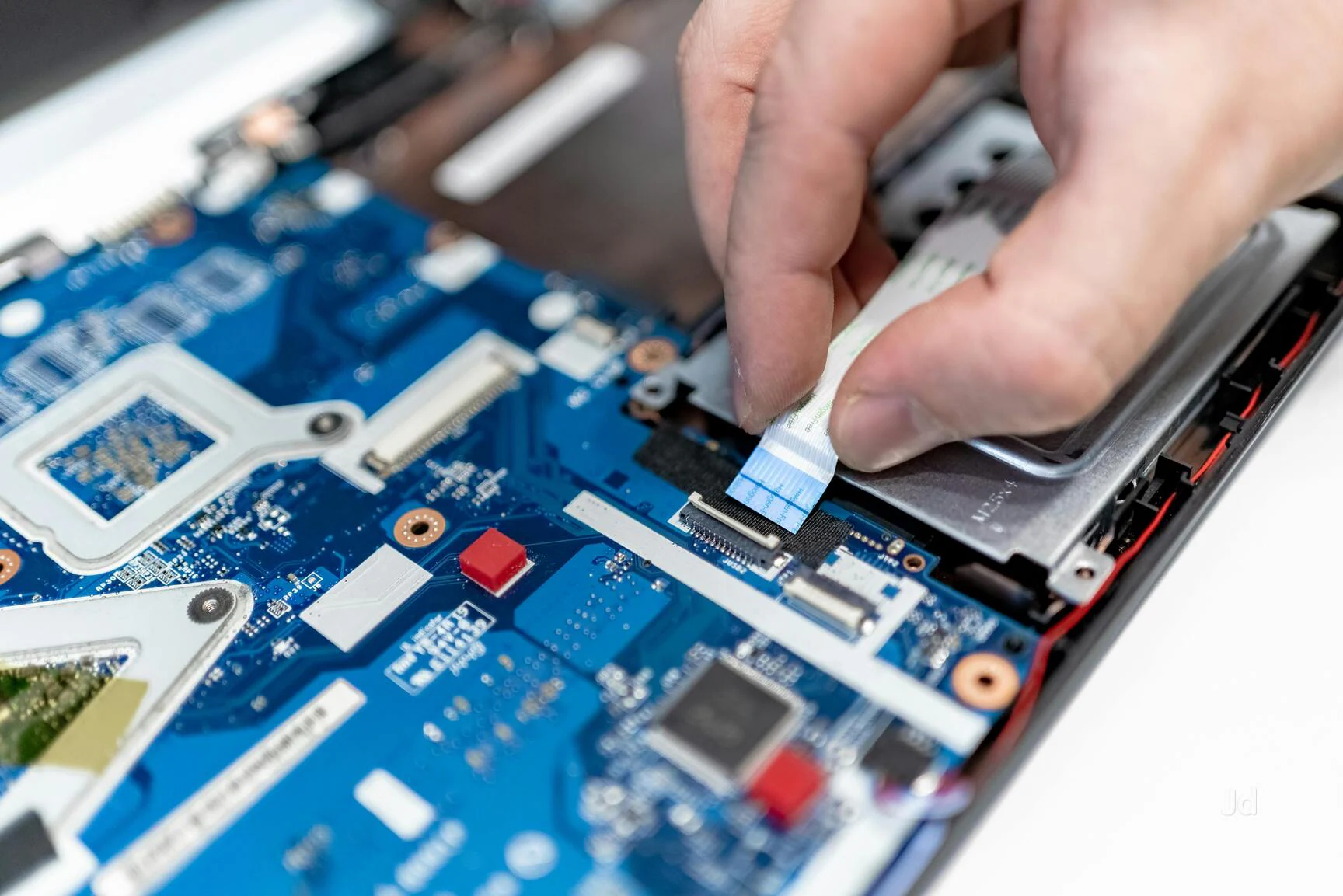
Common Reasons Why HP Laptop Speakers Stop Working
There can be several reasons behind speaker problems in an HP laptop. Some issues are related to software, while others may be caused by hardware failure.
1. Outdated or Corrupted Audio Drivers
Audio drivers help your operating system communicate with the laptop speakers. If drivers are outdated or corrupted, the speakers may stop working.
2. Sound Settings Issues
Sometimes the problem occurs due to incorrect sound settings, muted audio, or the wrong playback device being selected.
3. Dust or Internal Damage
Dust buildup or internal damage can affect the speaker’s functionality and reduce sound quality.
4. Water or Liquid Damage
Liquid spills can damage the internal speaker components and cause permanent sound issues.
5. Hardware Failure
After years of use, laptop speakers may stop functioning due to wear and tear. In such cases, professional hp laptop speaker repair in patna may be required.
Simple Troubleshooting Steps You Can Try
Before visiting a repair center, you can try a few simple steps to fix the issue:
-
Restart your laptop
-
Check if the sound is muted
-
Update or reinstall audio drivers
-
Run the Windows audio troubleshooter
-
Test with headphones to see if sound works
If the problem still continues after these steps, the issue might be related to internal hardware, and you may need professional hp laptop speaker repair in patna.
Signs Your Laptop Speaker Needs Repair
Some common signs that indicate your HP laptop speaker requires repair include:
• No sound coming from the speakers
• Distorted or crackling audio
• Very low sound even at maximum volume
• Sound only working with headphones
• Laptop unable to detect internal speakers
If you notice any of these problems, it is best to get your device checked by experts who provide hp laptop speaker repair in patna.
Why You Should Choose Our Laptop Repair Service
When your laptop has hardware issues, choosing the right technician is important. Here are a few reasons why many customers prefer our repair service:
• Experienced technicians with knowledge of HP laptop repairs
• Proper diagnosis before starting any repair work
• Use of quality replacement parts
• Quick and reliable repair service
• Affordable pricing with honest guidance
Our goal is to provide dependable hp laptop speaker repair in patna so that your laptop audio works perfectly again.
Tips to Protect Your Laptop Speakers
You can avoid speaker problems by following a few simple precautions:
-
Avoid keeping liquids near your laptop
-
Keep the laptop clean and dust-free
-
Do not use maximum volume for long periods
-
Keep your drivers updated
-
Handle the laptop carefully during travel
Taking care of your laptop can help increase the lifespan of its speakers.
FAQ (Frequently Asked Questions)
1. Why is my HP laptop speaker not working?
This problem can occur due to driver issues, incorrect sound settings, dust buildup, or hardware damage.
2. Can laptop speakers be repaired or replaced?
Yes, in many cases speakers can be repaired or replaced depending on the damage.
3. How long does speaker repair take?
Most repairs can be completed within a few hours, depending on the laptop model and issue.
4. Is it safe to repair laptop speakers?
Yes, if the repair is done by experienced technicians using proper tools and parts.
5. Where can I get reliable hp laptop speaker repair in patna?
You should always choose a trusted repair service with experienced technicians and proper diagnostic tools.