
HP Laptop Service Center in Patna
Does your HP laptop overheat while you’re using it? Does the fan get unusually loud, does the laptop suddenly slow down, or do you see a heat warning on the screen? If yes, you’re not alone. Hundreds of HP laptop users in Patna face this overheating problem, which is why finding a reliable HP Laptop Service Center in Patna becomes essential.
In this article, we’ll explain why laptop heating happens, how to identify it, and how HP Care Patna can give your laptop a permanent solution.
What Is an HP Laptop Heating Issue?
Laptop heating occurs when internal components (processor, GPU, battery) generate more heat than the system can dissipate properly. It may seem like a minor problem at first, but if ignored, it can permanently damage the motherboard, battery, and processor.
Common Symptoms of Overheating
- The laptop base or keyboard area becomes very hot
- Loud and continuous fan noise
- The laptop suddenly hangs or restarts
- The battery drains very quickly
- Thermal warnings or performance drops on screen
- The laptop shuts down while running games or heavy software
If you notice any of these signs, you should get professional HP laptop repair immediately, or the problem can get worse over time.
HP Laptop Service Center in Patna
Causes of HP Laptop Overheating
1. Dust and Dirt Build-up
The most common reason is dust accumulating in the internal vents and fan, which blocks airflow and prevents heat from escaping.
2. Dried-Out Thermal Paste
The thermal paste between the processor and heatsink dries out over time, which reduces heat transfer efficiency.
3. Old or Faulty Cooling Fan
If the cooling fan becomes weak or damaged, the laptop can’t cool down properly.
4. Using the Laptop on the Wrong Surface
Using a laptop on a bed, cushion, or any soft surface blocks the vents, trapping heat inside.
5. Heavy Software or Multitasking
Gaming, video editing, or running multiple heavy applications at once increases processor load and generates more heat.
6. Outdated BIOS or Drivers
Outdated drivers sometimes fail to manage power efficiently, which also increases heating.
Risks of Ignoring the Heating Problem
Many people consider heating a minor issue and ignore it, but this can lead to:
- Motherboard damage – excessive heat can damage internal components
- Reduced battery life – the battery can swell or get permanently damaged
- Processor throttling – your laptop’s speed may slow down permanently
- Sudden data loss – unexpected shutdowns can corrupt important files
That’s why it’s important to get your laptop checked by a proper HP laptop service center in time.
HP Laptop Service Center in Patna
Why HP Care Patna Is the Best Choice
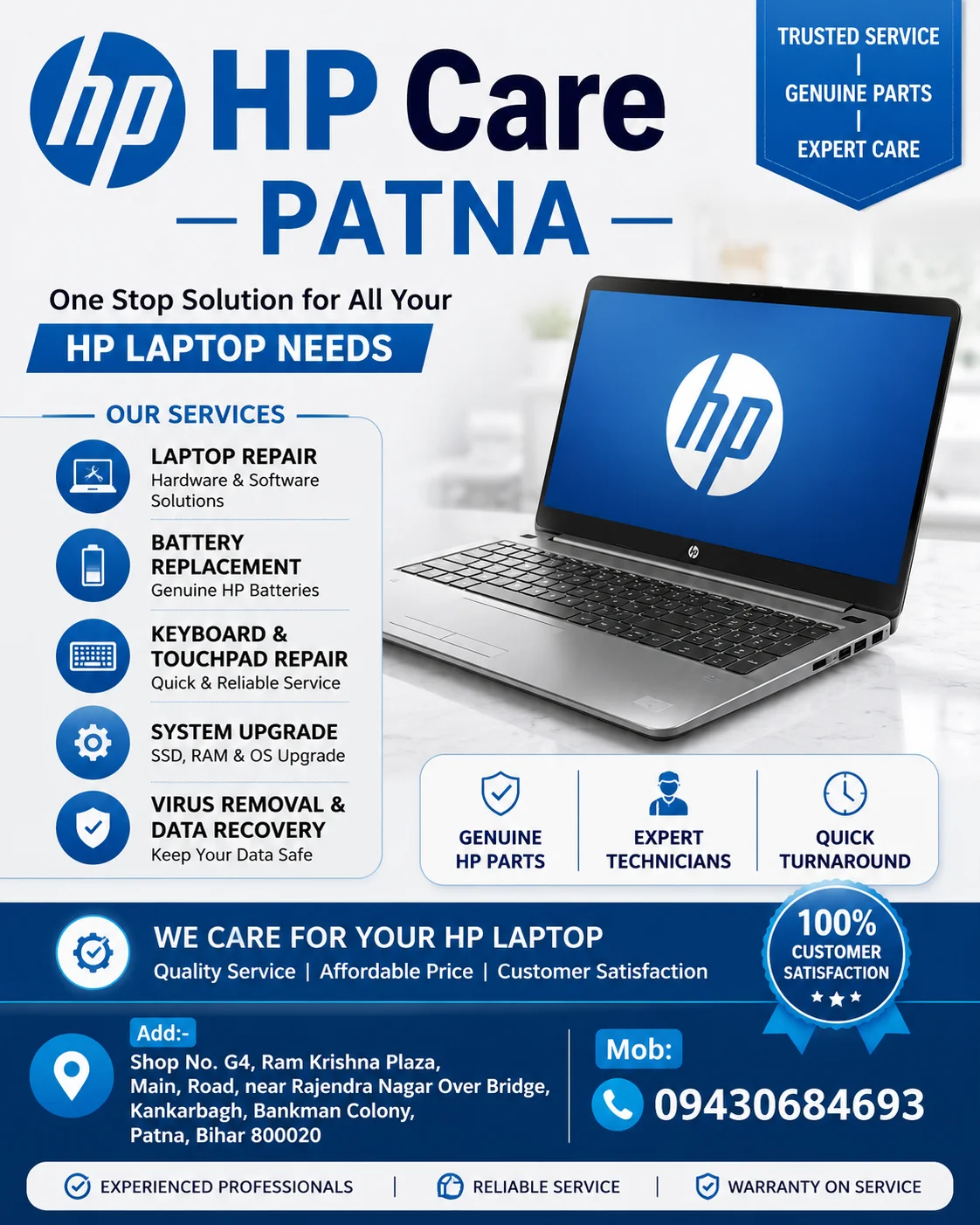
If you live in Patna and are struggling with your HP laptop’s heating problem, HP Care Patna is a trusted and professional solution for you.
What Makes Our Service Stand Out
1. Expert Technicians: Our team has hands-on experience with all HP laptop series — Pavilion, Envy, Omen, Victus, and business models.
2. Genuine Cleaning & Thermal Paste Replacement: We properly clean internal components and use high-quality thermal paste to improve heat dissipation.
3. Fan Repair & Replacement: If the fan is damaged, we replace it with original or high-quality compatible parts to restore cooling efficiency.
4. Complete Diagnostic Check-up: We don’t just clean — we run a full diagnostic to identify the real cause of overheating, whether it’s hardware or software-related.
5. Affordable Pricing: Genuine HP laptop repair service at the most reasonable rates in Patna.
6. Quick Turnaround Time: Most heating-related issues are resolved the same day or within 24–48 hours.
7. Service Warranty: We provide a warranty on our repair services, so you can fully trust the quality of our work.
How the Repair Process Works at HP Care Patna
- Free Inspection – Every laptop first goes through a free diagnostic check.
- Problem Identification – We identify the exact cause of overheating (dust, fan, thermal paste, or hardware fault).
- Estimate & Approval – We share the cost and timeline with you, and work begins only after your approval.
- Repair & Cleaning – Deep cleaning, thermal paste replacement, fan repair, or any other necessary work is carried out.
- Testing – After the repair, we stress-test the laptop to make sure the heating issue doesn’t return.
- Delivery – The laptop is returned to you clean, cool, and fully functional.
Tips to Prevent Overheating
Even after getting your laptop serviced, you can keep it healthy by following these steps:
- Always use your laptop on a hard, flat surface
- Clean the vents regularly
- Use a cooling pad if you use it heavily
- Avoid keeping too many background apps running
- Get professional servicing done periodically (once every 6 months)
FAQs – HP Laptop Heating Issue
Q1. How quickly can an HP laptop overheat? It depends on usage and internal condition. During heavy gaming or video editing, heat can build up within minutes if the cooling system isn’t working properly.
Q2. Is there a permanent solution for the heating problem? Yes, with proper cleaning, thermal paste replacement, and fan check-up done professionally, the heating problem can largely be resolved.
Q3. Does HP Care Patna repair all HP laptop models? Yes, we provide service for almost all HP consumer and business laptop models.
Q4. How long does the service take? In most cases, the laptop is ready within 24 to 48 hours.
Conclusion
Ignoring your HP laptop’s heating problem can turn out to be costly. Timely diagnosis and genuine repair service can extend your laptop’s life and improve its performance. If you’re looking for a trusted and experienced HP Laptop Service Center in Patna, HP Care Patna is the best option for you — with expert technicians, genuine parts, and affordable pricing.