
HP Care in Patna
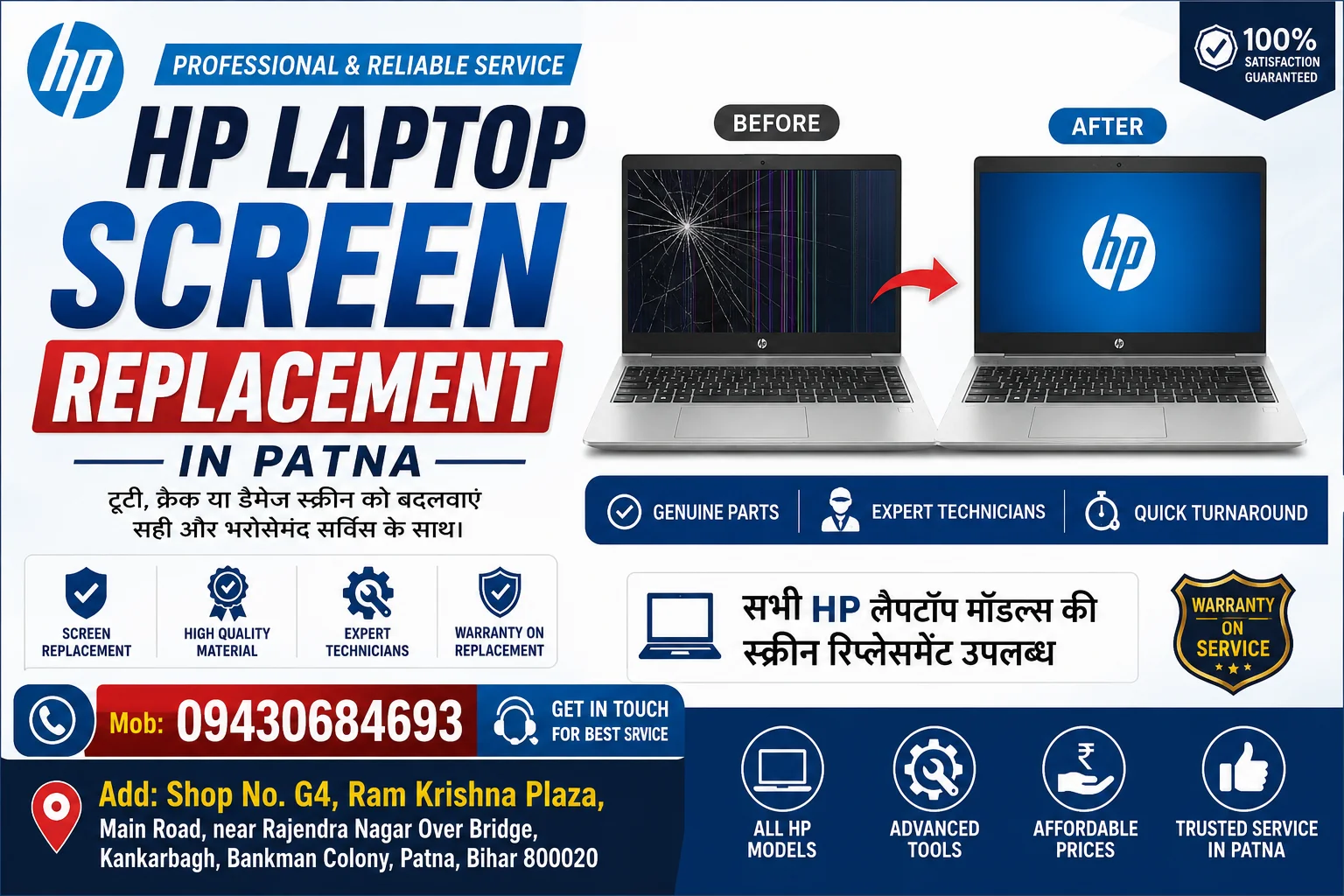
If your HP laptop screen is cracked, flickering, showing lines, or completely blank, you don’t need to panic or rush to buy a new laptop. HP Care Patna offers professional HP laptop screen replacement in Patna with genuine parts, expert technicians, and same-day service. Whether you own an HP Pavilion, HP Envy, HP ProBook, HP Elitebook, HP Omen, or any other HP laptop model, our certified repair center in Patna can restore your screen to perfect working condition quickly and affordably.
In this guide, we’ll walk you through everything you need to know about HP laptop screen replacement — common signs of screen damage, causes, the repair process, cost factors, and why HP Care Patna is the most trusted choice for laptop screen repair in the city.
HP Care in Patna
Common Signs Your HP Laptop Screen Needs Replacement
Before rushing into a replacement, it helps to understand the warning signs. Here are the most common symptoms that indicate your HP laptop screen needs professional attention:
- Cracked or shattered display – Visible cracks, spider-web patterns, or broken glass on the screen surface.
- Black or blank screen – The laptop powers on, but the display stays completely dark.
- Flickering display – The screen flickers on and off randomly during use.
- Colored lines or patches – Vertical or horizontal lines, discoloration, or dead pixel clusters.
- Dim or uneven brightness – The backlight is failing, making the screen too dark even at maximum brightness.
- Distorted or blurry image – Text and images appear stretched, ghosted, or out of focus.
- Screen not responding to touch – For touchscreen HP laptops, loss of touch sensitivity in certain areas.
If you notice any of these issues, it’s best to get your laptop inspected by experts at HP Care Patna before the damage worsens or affects other internal components.
HP Care in Patna
Common Causes of HP Laptop Screen Damage
Understanding what causes screen damage can help you avoid future issues:
- Accidental drops – The most common cause of cracked screens.
- Pressure damage – Placing heavy objects on a closed laptop or packing it tightly in a bag.
- Liquid spills – Water or liquid seeping into the display panel.
- Manufacturing defects – Rare, but backlight or panel defects can appear over time.
- Hinge stress – Repeated opening and closing at odd angles can damage the screen’s internal ribbon cable.
- Power surges – Electrical fluctuations that damage the display driver circuit.
Address:
– Phone: 09430684693
– Email:
Why Choose HP Care Patna for Laptop Screen Replacement?
When it comes to HP laptop screen replacement in Patna, not every repair shop offers the quality and reliability your device deserves. Here’s why customers across Patna trust HP Care Patna:
1. Genuine and Compatible Screen Parts
We use only genuine HP-compatible LCD/LED and touchscreen panels sourced from authorized suppliers, ensuring perfect fit, color accuracy, and long-term durability.
2. Experienced HP-Certified Technicians
Our technicians specialize exclusively in HP laptops and are trained to handle every model — from budget HP 15-series laptops to premium HP Spectre and Omen gaming laptops.
3. Quick Turnaround Time
Most HP laptop screen replacements at our Patna service center are completed within a few hours, so you’re not left without your device for days.
4. Transparent and Affordable Pricing
We provide upfront cost estimates with no hidden charges. You’ll know the exact price before we begin the repair.
5. Warranty on Repairs
Every screen replacement done at HP Care Patna comes with a service warranty, giving you peace of mind after the repair.
6. Doorstep Pickup & Drop Service
For customers across Patna who can’t visit our center, we offer convenient pickup and drop-off service for laptop repairs.
7. All HP Models Supported
We service all HP laptop series, including:
- HP Pavilion
- HP Envy
- HP Spectre
- HP Omen
- HP ProBook
- HP EliteBook
- HP 14/15 series
- HP Chromebook
Our HP Laptop Screen Replacement Process
At HP Care Patna, we follow a systematic and careful process to ensure every screen replacement is done right the first time:
- Free Diagnosis – We inspect the laptop to confirm the screen is the actual issue and rule out other display-related problems like a faulty graphics card or loose display cable.
- Cost Estimate – Once confirmed, we provide a transparent quote based on your laptop model and screen type (HD, Full HD, touchscreen, or 4K).
- Screen Sourcing – We source the exact compatible panel for your specific HP model.
- Professional Replacement – Our technicians carefully disassemble the laptop, remove the damaged screen, and install the new panel with precision.
- Testing & Quality Check – After installation, we thoroughly test brightness, color accuracy, touch response (if applicable), and overall display performance.
- Final Handover – Your laptop is cleaned, reassembled, and handed back to you fully functional.
Factors That Affect HP Laptop Screen Replacement Cost
The cost of screen replacement can vary depending on several factors:
- Laptop model and screen size (13-inch, 14-inch, 15.6-inch, 17-inch)
- Screen type – Standard LED/LCD vs. touchscreen vs. high-resolution (Full HD/4K) panels
- Panel technology – IPS panels are typically priced higher than TN panels
- Availability of the part – Rare or discontinued models may cost slightly more
- Additional damage – If the display cable, hinge, or bezel also needs repair
For an accurate quote, we recommend contacting HP Care Patna directly with your laptop model number for a free, no-obligation estimate.
Tips to Protect Your HP Laptop Screen After Replacement
Once your screen is replaced, follow these simple tips to avoid future damage:
- Always carry your laptop in a padded sleeve or bag.
- Avoid placing heavy objects on top of a closed laptop.
- Clean the screen gently with a microfiber cloth — avoid excessive pressure.
- Don’t close the lid with pens, cables, or objects left on the keyboard.
- Keep liquids away from your workspace while the laptop is open.
- Adjust screen angle gently; avoid forcing the hinge beyond its limit.
Frequently Asked Questions (FAQs)
Q1. How much does HP laptop screen replacement cost in Patna? The cost depends on your laptop model and screen type. Contact HP Care Patna for a free diagnosis and exact price quote.
Q2. How long does it take to replace an HP laptop screen? Most replacements are completed within a few hours, though some rare or high-end models may take slightly longer due to part availability.
Q3. Will my data be safe during screen replacement? Yes. Screen replacement only involves the display component; your hard drive and stored data remain untouched.
Q4. Do you provide a warranty on screen replacement? Yes, HP Care Patna provides a service warranty on all screen replacements for your peace of mind.
Q5. Can you replace touchscreen panels on HP laptops? Absolutely. We handle both standard and touchscreen HP laptop panel replacements with precision.
Q6. Do I need to bring my laptop to your center, or is pickup available? We offer both walk-in service and doorstep pickup/drop-off across Patna for your convenience.