
HP Care in Patna
A faulty motherboard can cause serious problems in your HP laptop, including power failure, no display, overheating, charging issues, random shutdowns, or complete system failure. If your laptop is showing any of these symptoms, professional chip-level diagnosis is essential.
HP Care in Patna provides expert HP Laptop Motherboard Repair services for students, professionals, business users, and gamers. Our experienced technicians use advanced diagnostic equipment to identify motherboard faults and recommend the most suitable repair solution.
Whether your laptop has suffered from liquid damage, electrical fluctuation, overheating, or accidental impact, we carefully inspect every component before beginning the repair process.
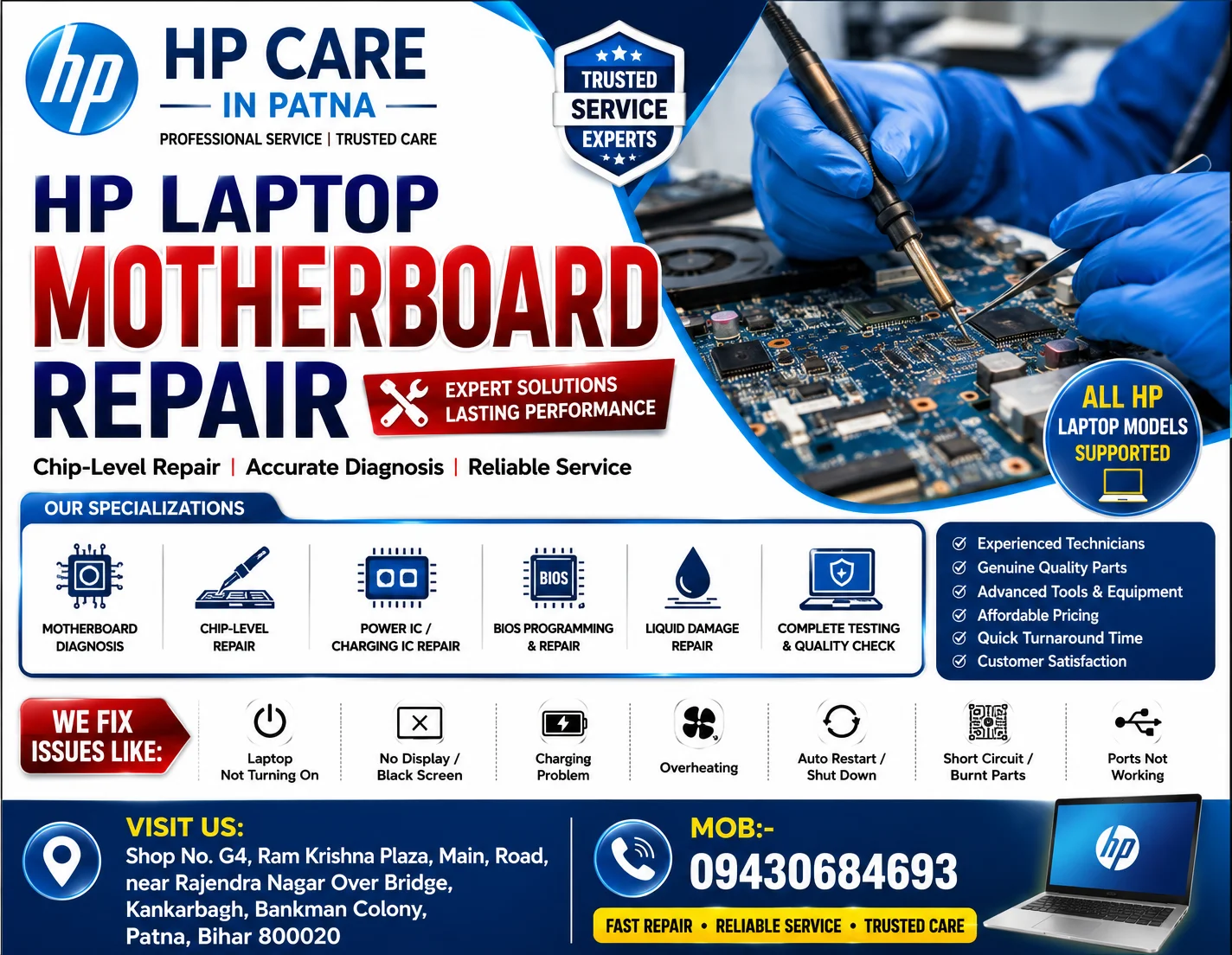
Why Choose HP Care in Patna?
Choosing the right repair center can significantly affect the performance and lifespan of your laptop.
Our service advantages include:
- Experienced laptop hardware technicians
- Advanced motherboard diagnostic tools
- Chip-level motherboard repair
- Genuine compatible replacement components
- Transparent repair process
- Fast turnaround time
- Affordable repair pricing
- Support for all HP laptop models
- Quality testing before delivery
- Customer-focused service
Our goal is to restore your HP laptop safely while maintaining reliable performance.
Common HP Laptop Motherboard Problems
Motherboard issues often develop gradually before the laptop stops functioning completely.
Some common motherboard problems include:
- Laptop not turning ON
- No display or black screen
- Charging problem
- Power button not responding
- Continuous restart
- Laptop automatically shutting down
- Overheating motherboard
- BIOS corruption
- Burnt motherboard components
- Water or liquid damage
- USB ports not working
- Keyboard or touchpad not responding
- Display flickering
- Battery not detected
- GPU-related motherboard faults
Early diagnosis can help prevent additional hardware damage.
Our HP Laptop Motherboard Repair Process
Every repair follows a systematic inspection process.
1. Complete Diagnosis
We inspect the motherboard using professional testing equipment to identify the root cause.
2. Hardware Inspection
Our technicians examine:
- Power IC
- MOSFET
- Capacitors
- Resistors
- Charging Circuit
- BIOS Chip
- CPU Section
- GPU Section
- RAM Circuit
- Display Circuit
3. Chip-Level Repair
Where appropriate, damaged motherboard components are repaired or replaced using specialized equipment.
4. Performance Testing
The repaired motherboard undergoes multiple quality checks to verify stable operation before the laptop is returned.
Signs Your HP Laptop Needs Motherboard Repair
You may need professional repair if you notice:
- Laptop completely dead
- Charging light not glowing
- Fan spinning but no display
- Continuous beeping
- Blue screen errors
- Burning smell
- USB devices not detected
- Display turning black randomly
- Sudden freezing
- Frequent restart
- Laptop overheating
Ignoring these signs may lead to more extensive hardware damage.
HP Laptop Models We Service
We repair motherboard issues for various HP laptop series, including:
- HP Pavilion
- HP Victus
- HP Omen
- HP EliteBook
- HP ProBook
- HP Spectre
- HP Envy
- HP Chromebook
- HP Essential Series
- HP Business Laptops
Advanced Motherboard Repair Services
Our motherboard repair services include:
- Motherboard diagnostics
- Power IC replacement
- BIOS programming
- BIOS chip replacement
- Short circuit repair
- Charging IC repair
- Display circuit repair
- GPU section repair
- Liquid damage inspection
- DC jack repair
- Motherboard cleaning
- SMD component replacement
- Circuit tracing
- Thermal maintenance
Why Timely Motherboard Repair Matters
Delaying motherboard repair can lead to:
- Permanent motherboard damage
- Battery charging issues
- Data accessibility problems
- SSD or HDD detection failures
- Higher repair costs
- Reduced laptop lifespan
Prompt inspection helps identify faults before they worsen.
Tips to Protect Your HP Laptop Motherboard
To reduce the risk of motherboard failure:
- Use the original charger whenever possible.
- Avoid blocking cooling vents.
- Keep liquids away from the laptop.
- Clean dust from the cooling system periodically.
- Shut down the laptop properly.
- Avoid using unstable power sources.
- Use surge protection where appropriate.
- Update BIOS only from trusted sources and according to HP’s guidance.
Why Customers Choose HP Care in Patna
Customers trust us because we focus on:
- Professional diagnostics
- Skilled technicians
- Reliable repair methods
- Transparent communication
- Quality workmanship
- Customer satisfaction
- Timely service
We strive to provide dependable HP laptop repair solutions tailored to each customer’s needs.
Conclusion
If your HP laptop is experiencing motherboard-related problems, timely diagnosis can help prevent further hardware issues. HP Care in Patna provides professional HP Laptop Motherboard Repair services with careful inspection, advanced repair techniques, and comprehensive testing for a wide range of HP laptop models.
Whether your laptop is not powering on, has charging issues, displays a black screen, or shows signs of motherboard failure, our team is committed to helping restore reliable performance.
Frequently Asked Questions (FAQs)
1. How do I know if my HP laptop motherboard is damaged?
Common signs include the laptop not turning on, black screen, charging problems, random shutdowns, overheating, or no response when pressing the power button. A professional diagnosis is recommended to confirm the cause.
2. Can an HP laptop motherboard be repaired?
In many cases, motherboard faults can be repaired depending on the nature and extent of the damage. Some situations may require replacement of specific components or, in severe cases, the motherboard itself.
3. How long does HP laptop motherboard repair usually take?
Repair time depends on the fault, availability of components, and diagnostic findings. Simple repairs may be completed more quickly than complex chip-level repairs.
4. What causes HP laptop motherboard failure?
Possible causes include overheating, liquid damage, power surges, accidental drops, aging electronic components, manufacturing defects, or improper charging accessories.
5. Is data safe during motherboard repair?
Motherboard repair generally focuses on the hardware. If the storage drive is unaffected, your data is often preserved. However, it’s always advisable to back up important files whenever possible.
6. Can a motherboard issue cause charging problems?
Yes. Faults in the charging circuit, power IC, or related motherboard components can prevent the battery from charging correctly.
7. Should I repair or replace my HP laptop motherboard?
The best option depends on the laptop’s age, the extent of damage, repair cost, and overall condition. A detailed diagnosis helps determine the most practical solution.
8. Do all HP laptop models use the same motherboard?
No. Different HP laptop series and models use different motherboard designs and components, so repairs must be specific to the model.
9. Can overheating damage an HP laptop motherboard?
Yes. Continuous overheating can stress electronic components and increase the risk of motherboard failure over time. Regular cleaning and proper ventilation help reduce this risk.
10. How can I reduce the chances of future motherboard problems?
Use a quality charger, keep the cooling system clean, avoid liquid exposure, protect against power fluctuations, and have the laptop serviced periodically if you notice unusual behavior.