
HP Care in Patna.
HP Laptop USB Port Not Working? Complete Troubleshooting Guide
USB ports are one of the most important parts of any laptop. Whether you connect a pendrive, mouse, keyboard, or external hard drive, everything depends on a working USB port. But many HP laptop users face a common problem — the USB port suddenly stops working.
If your HP laptop is not detecting any USB device, this guide will help you understand the real causes and fix the issue step by step. And if the problem becomes serious, you can always take help from HP Care in Patna.
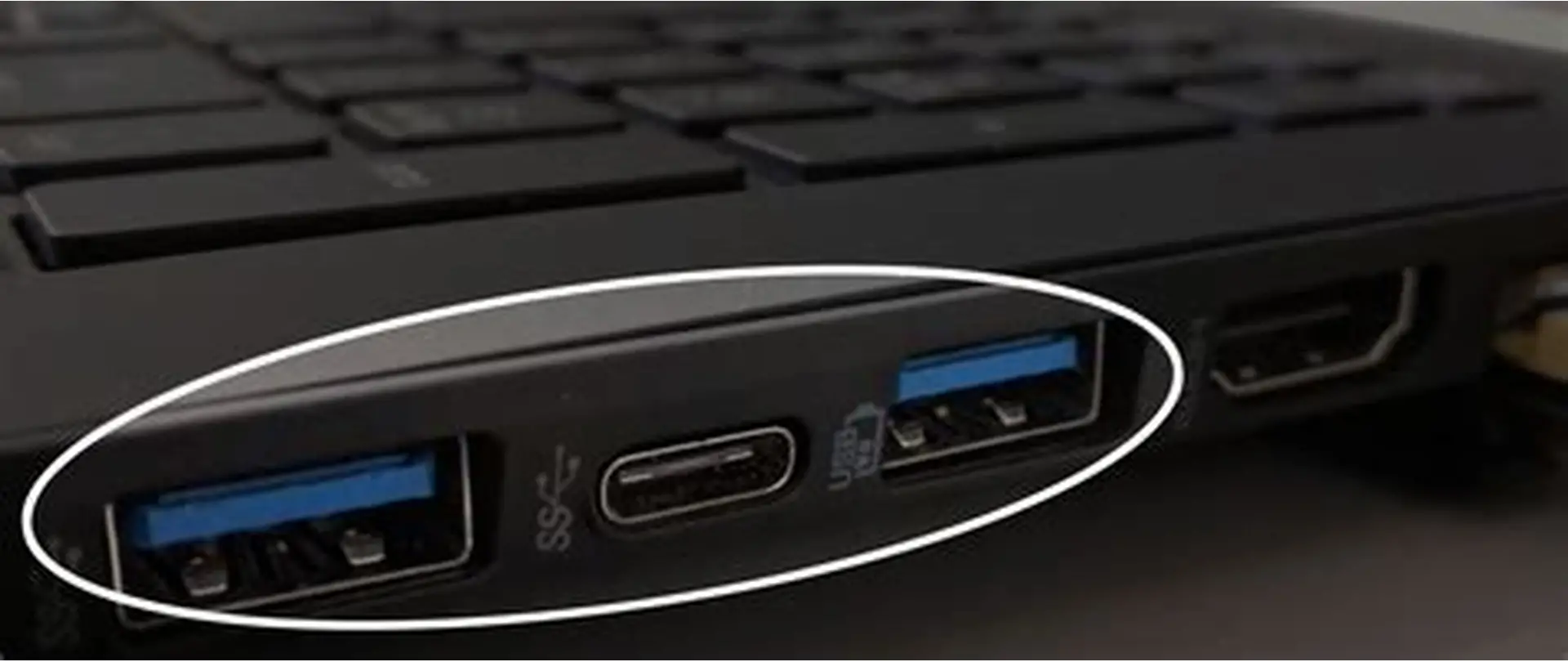
Common Problems You May Face
-
USB device not detected
-
USB port gives power but no data transfer
-
Device connects and disconnects repeatedly
-
One USB port works, others don’t
-
Error message: “USB Device Not Recognized”
These are clear signs that something is wrong either with software or hardware.
Main Reasons Why HP USB Port Stops Working
-
Outdated or corrupted USB drivers
-
Windows update conflicts
-
Dust or physical damage inside the port
-
Power management settings disabling USB
-
Motherboard or USB controller fault
Understanding the cause is important before trying any repair.
Step-by-Step Solutions You Can Try at Home
1. Restart Your Laptop (Don’t Skip This)
Sometimes a simple restart fixes temporary USB controller errors.
2. Check the USB Device
-
Try the same device on another laptop
-
Try a different USB device on your HP laptop
This confirms whether the problem is with the port or the device.
3. Clean the USB Port Carefully
Dust and lint block proper contact.
-
Use a soft brush or compressed air
-
Do not use sharp objects
-
Avoid liquid cleaners
4. Update or Reinstall USB Drivers
-
Press Windows + X → Device Manager
-
Expand Universal Serial Bus Controllers
-
Right-click each USB device and select Uninstall
-
Restart the laptop — Windows will reinstall drivers automatically
This method solves most software-level issues.
5. Disable USB Power Saving
-
Go to Device Manager
-
Right-click USB Root Hub → Properties
-
Open Power Management tab
-
Uncheck: Allow the computer to turn off this device to save power
-
Click OK and restart
6. Check for Windows Updates
Sometimes USB problems start after a failed update.
-
Go to Settings → Windows Update
-
Install pending updates
-
Restart system
When Software Fix Doesn’t Work
If none of these steps help, the issue is probably hardware-related, such as:
-
Damaged USB port
-
Broken internal USB cable
-
Faulty motherboard USB IC
In such cases, professional repair is required. Many users trust HP Care in Patna because they provide proper diagnostics and genuine replacement parts.
Why Professional Repair Is Important
Ignoring a faulty USB port can:
-
Damage connected devices
-
Cause data transfer failure
-
Lead to short-circuit issues
Getting the laptop checked at HP Care in Patna ensures safe and long-lasting repair instead of temporary fixes.
How to Prevent USB Port Problems in Future
-
Do not force devices into the port
-
Avoid cheap or damaged USB cables
-
Safely remove USB devices
-
Keep ports clean and dry
-
Avoid using laptop in dusty areas
Regular care can save you from expensive repairs.
Final Words
An HP laptop USB port not working is a very common but fixable issue. Many times, the problem is related to drivers or power settings and can be solved at home. But if the port is physically damaged, expert help is the best option.
For reliable and professional service, HP Care in Patna is always a good choice.
Frequently Asked Questions (FAQ)
Q1. Why does my HP laptop not recognize any USB device?
This usually happens due to driver issues, power settings, or a damaged USB port.
Q2. Can a USB port be repaired or does it need replacement?
In most cases, the port can be repaired or replaced depending on the damage level.
Q3. Is USB problem related to motherboard failure?
Sometimes yes, especially if all USB ports stop working together.
Q4. Can I use an external USB hub if my port is faulty?
It may work temporarily, but if the main port is damaged, professional repair is recommended.
Q5. How long does USB port repair take?
Minor repairs may take a few hours, while motherboard-related issues can take 1–2 days.