
HP Service Center in Patna
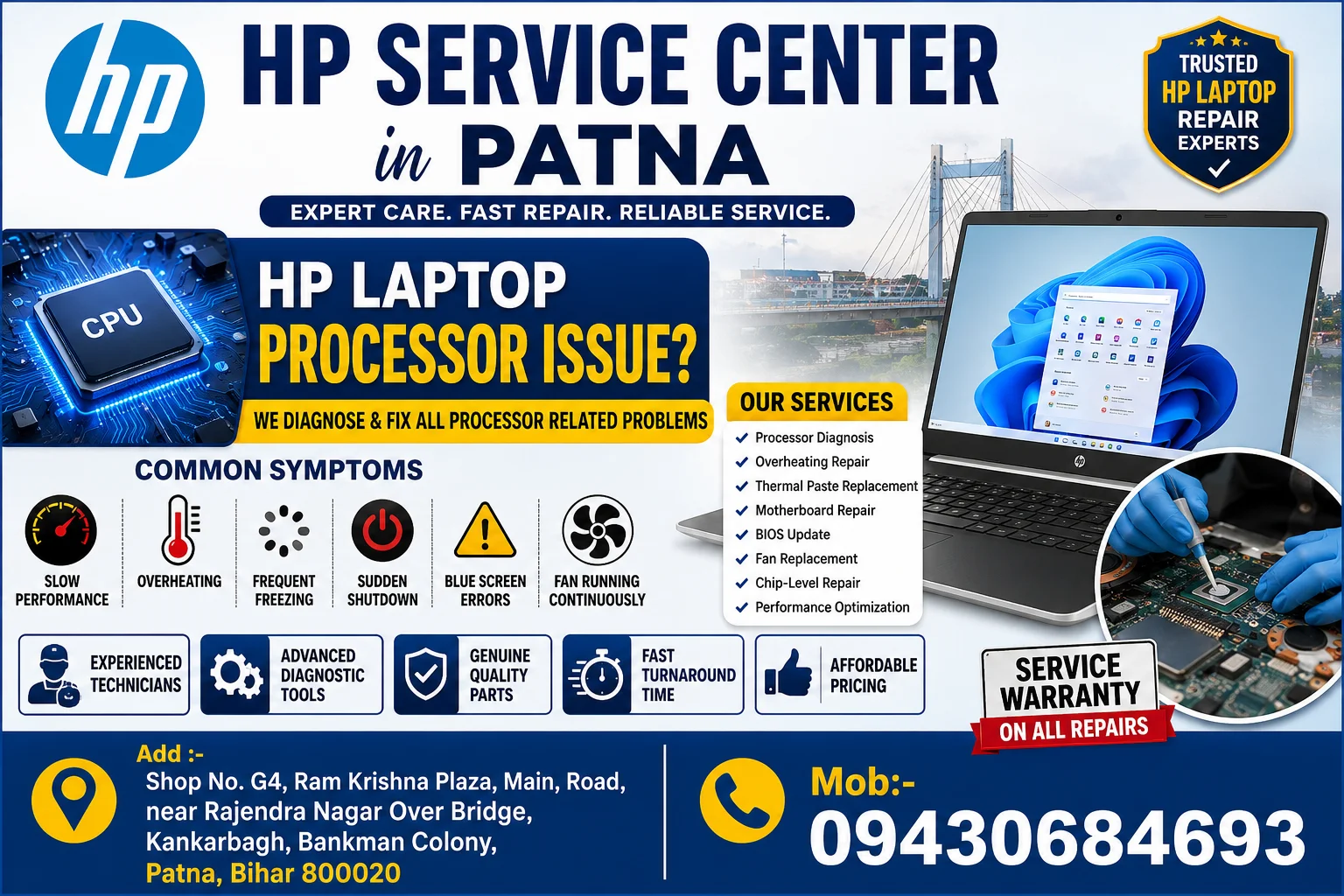
If your HP laptop has become unusually slow, frequently overheats, freezes during work, or suddenly shuts down, the processor or its supporting hardware may require professional inspection. At HP Care in Patna, experienced technicians diagnose processor-related performance issues using advanced diagnostic tools and genuine repair practices.
Whether you use your HP laptop for office work, online classes, business operations, programming, or gaming, processor-related problems should never be ignored because they can gradually affect other internal components.
HP Service Center in Patna
Common Signs of an HP Laptop Processor Issue
Many users assume their laptop needs formatting when the actual problem is related to processor performance or cooling.
Typical symptoms include:
- Laptop becomes extremely slow
- High CPU usage even while idle
- Frequent system freezing
- Automatic restart or shutdown
- Laptop overheating
- Fan running continuously at high speed
- Blue screen errors
- Applications crashing repeatedly
- Windows taking too long to boot
- Performance drops while multitasking
- Random hanging during work
- Excessive heat near keyboard area
Professional diagnostics help determine whether the issue is related to the processor itself or surrounding hardware.
HP Service Center in Patna
What Causes HP Laptop Processor Problems?
Processor-related issues can develop due to several reasons.
1. Dust Blocking Cooling System
Dust accumulation reduces airflow and increases internal temperature.
2. Dry Thermal Paste
Old thermal paste loses efficiency, causing poor heat transfer between the CPU and cooling system.
3. Cooling Fan Failure
A damaged or slow fan allows processor temperatures to rise beyond safe operating limits.
4. Motherboard Power Issues
Power delivery circuits around the processor may fail, affecting performance.
5. BIOS Problems
Outdated or corrupted BIOS firmware may cause processor instability.
6. Voltage Fluctuation
Improper charging adapters or electrical issues can damage motherboard components.
7. Liquid Damage
Even minor liquid exposure may affect processor-related circuits.
Professional Processor Diagnosis at HP Care in Patna
Instead of replacing expensive parts unnecessarily, trained technicians perform complete diagnostics to identify the actual fault.
The inspection typically includes:
- CPU performance testing
- Temperature monitoring
- Cooling system inspection
- Thermal paste condition
- Motherboard power testing
- RAM diagnostics
- SSD/HDD health check
- BIOS verification
- Fan performance analysis
- Internal cleaning
This approach helps identify the root cause before recommending repairs.
HP Laptop Processor Related Repair Services
Our repair services include:
- Processor diagnostics
- Laptop overheating repair
- Motherboard repair
- Thermal paste replacement
- Cooling fan replacement
- BIOS update
- Chip-level motherboard repair
- Internal cleaning service
- SSD upgrade
- RAM upgrade
- Power IC repair
- DC jack repair
- Battery testing
- Performance optimization
Why HP Laptops Overheat
Processor overheating is one of the most common issues affecting laptop performance.
Possible reasons include:
- Blocked air vents
- Faulty cooling fan
- Heavy software load
- Malware infections
- Poor ventilation
- Old thermal compound
- Background applications consuming CPU resources
Regular maintenance can help prevent overheating and extend hardware life.
Can a Processor Be Repaired?
In many cases, the processor itself is not defective. The issue may originate from:
- Motherboard circuits
- Cooling system
- BIOS firmware
- Power management IC
- RAM compatibility
- Storage device errors
A complete diagnosis ensures that only the faulty component is repaired or replaced.
Tips to Prevent HP Laptop Processor Problems
Follow these best practices to improve performance and reduce processor stress:
- Keep Windows updated
- Install reliable antivirus software
- Clean cooling vents regularly
- Avoid blocking air vents
- Replace thermal paste periodically
- Use the original HP charger
- Avoid prolonged overheating
- Shut down the laptop occasionally
- Keep BIOS updated when recommended
- Remove unnecessary startup applications
Why Choose HP Care in Patna?
Customers choose HP Care in Patna because of:
- Experienced technicians
- Advanced diagnostic tools
- Chip-level motherboard expertise
- Transparent repair process
- Quality replacement components
- Fast turnaround time
- Affordable pricing
- Support for most HP laptop models
- Professional customer assistance
HP Laptop Models We Service
We repair a wide range of HP laptops, including:
- HP Pavilion Series
- HP ProBook Series
- HP EliteBook Series
- HP Spectre Series
- HP Envy Series
- HP Victus Series
- HP Omen Gaming Series
- HP Chromebook Series
- HP Essential Series
- HP Business Laptops
Service Areas in Patna
Our services are available for customers from:
- Kankarbagh
- Rajendra Nagar
- Boring Road
- Bailey Road
- Patliputra
- Ashok Rajpath
- Danapur
- Gandhi Maidan
- Fraser Road
- Exhibition Road
- Kumhrar
- Agam Kuan
- Mithapur
- Kadamkuan
- Phulwari Sharif
- Nearby areas of Patna
Frequently Asked Questions (Latest FAQ – 2026)
1. What are the signs of an HP laptop processor issue?
Slow performance, overheating, freezing, unexpected shutdowns, high CPU usage, and application crashes are common indicators.
2. Can an overheating HP laptop damage the processor?
Prolonged overheating can reduce system performance and may affect internal components if not addressed promptly.
3. How long does processor-related diagnosis take?
Most diagnostic inspections can be completed within a few hours, depending on the laptop model and issue.
4. Is replacing thermal paste helpful?
Yes. Fresh thermal paste improves heat transfer and can significantly reduce processor temperatures when the existing paste has degraded.
5. Can BIOS updates fix processor-related problems?
In some cases, BIOS updates improve system stability, power management, and hardware compatibility.
6. Why does my HP laptop become slow after a few minutes?
This may be caused by thermal throttling, where the processor reduces speed to prevent overheating.
7. Is the processor always replaced during repair?
No. Many performance issues are caused by cooling, motherboard, storage, or power-related components rather than the processor itself.
8. Do you repair gaming HP laptops?
Yes. HP gaming laptops such as the Victus and Omen series can be diagnosed and repaired for processor and performance-related issues.
9. Can motherboard issues look like processor failures?
Yes. Power circuits, chipset faults, and BIOS issues can produce symptoms similar to processor problems.
10. How often should an HP laptop be serviced?
Preventive maintenance, including internal cleaning and cooling system inspection, is generally recommended every 6–12 months, depending on usage and environment.
Conclusion
Processor-related issues in HP laptops are often linked to cooling, motherboard, firmware, or power-management components rather than the CPU itself. Accurate diagnosis is essential to identify the root cause and avoid unnecessary replacements. If your HP laptop is experiencing overheating, slow performance, frequent crashes, or unexpected shutdowns, professional inspection and timely maintenance can help restore reliable performance and extend the lifespan of your device.