
HP Laptop Service Centre in Patna
A laptop battery plays a crucial role in ensuring uninterrupted productivity and mobility. However, many users encounter an HP Laptop Battery Issue that affects performance, charging capability, and overall usability. Whether your HP laptop battery drains quickly, refuses to charge, or shows battery health warnings, understanding the root cause is essential for resolving the problem effectively.
At HP Care in Patna, we frequently assist customers experiencing battery-related concerns across various HP laptop models. This guide explains the common causes of battery problems, practical troubleshooting steps, and when professional battery replacement becomes necessary.
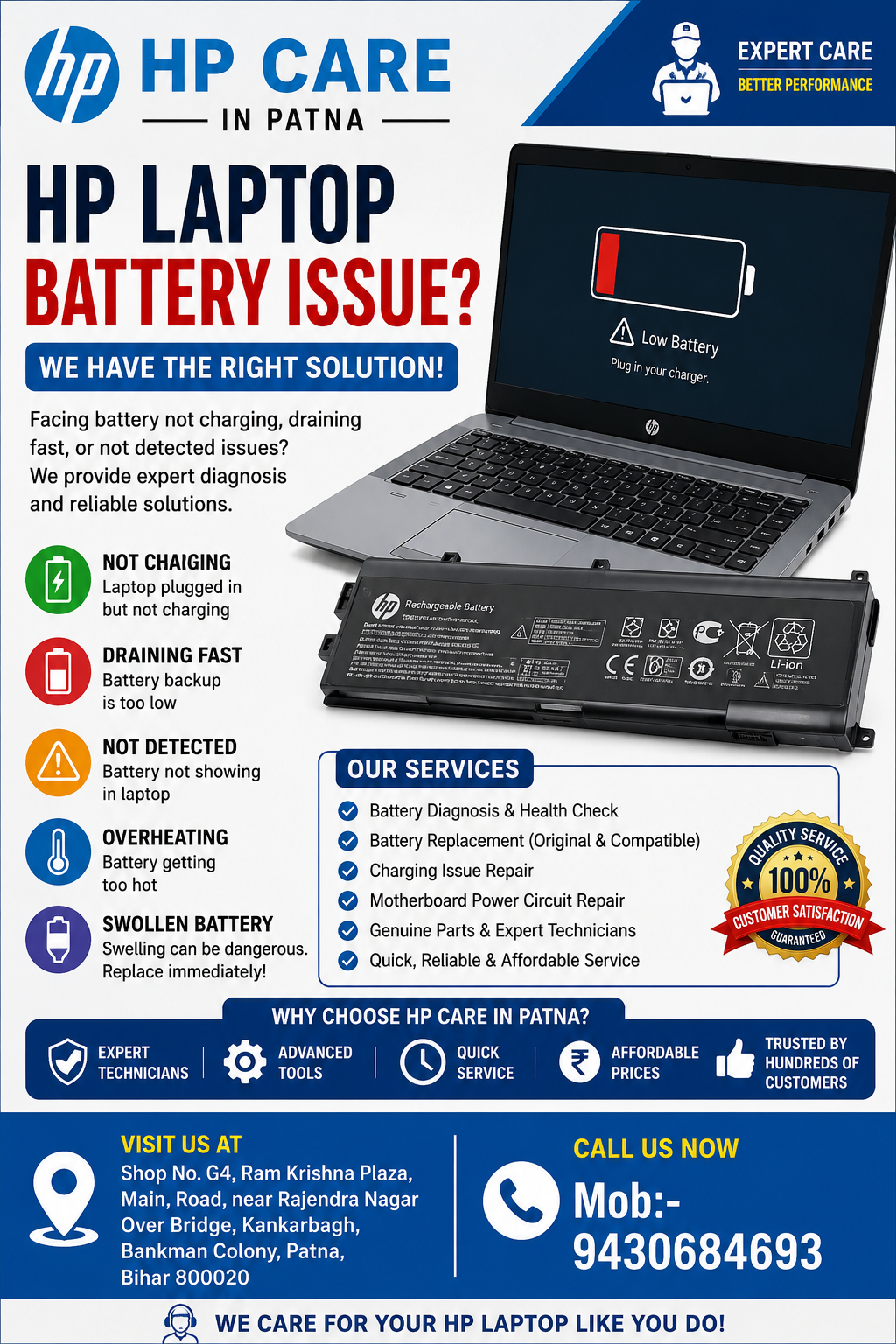
What Is an HP Laptop Battery Issue?
An HP Laptop Battery Issue refers to any problem that prevents the battery from functioning normally. These issues may include:
- Battery not charging
- Battery draining rapidly
- Laptop shutting down unexpectedly
- Battery not detected
- Plugged in but not charging
- Swollen battery
- Battery health warning messages
- Reduced battery backup
Battery problems can affect students, professionals, business users, and gamers alike, making a timely diagnosis important.
HP Laptop Service Centre in Patna
Common Signs of HP Laptop Battery Problems
You may be facing an HP Laptop Battery Issue if you notice any of the following symptoms:
1. Rapid Battery Drain
The battery loses power significantly faster than usual.
2. Charging Stops at a Certain Percentage
The battery may remain stuck at 0%, 50%, or 80%.
3. Battery Not Detected
Windows displays a message indicating that no battery is present.
4. Unexpected Shutdowns
The laptop powers off suddenly despite showing remaining battery charge.
5. Overheating Battery
Excessive heat around the battery compartment may indicate battery deterioration.
6. Swollen Battery
Physical swelling is a serious safety concern and requires immediate replacement.
HP Laptop Service Centre in Patna
Major Causes of HP Laptop Battery Issues
Ageing Battery Cells
Laptop batteries have a limited lifespan. Most HP batteries are designed to last between 300 and 1000 charge cycles.
Over time:
- Battery capacity decreases
- Charging efficiency drops
- Runtime becomes shorter
This is one of the most common reasons for an HP Laptop Battery Issue.
Faulty Charger or Power Adapter
Sometimes the battery is not the problem.
A damaged charger can:
- Prevent charging
- Cause intermittent charging
- Trigger battery warnings
Testing with a compatible HP charger can help identify the issue.
Outdated BIOS
The BIOS manages hardware communication, including battery functions.
An outdated BIOS may cause:
- Battery detection errors
- Charging problems
- Power management issues
Updating BIOS often resolves certain battery-related concerns.
Corrupted Battery Drivers
Windows uses battery drivers to communicate with the battery hardware.
Driver corruption may result in:
- Incorrect battery percentage
- Charging failures
- Battery recognition issues
Reinstalling battery drivers can often help.
Overheating
Excessive heat can significantly shorten battery life.
Common causes include:
- Dust accumulation
- Blocked cooling vents
- Heavy gaming sessions
- High-performance workloads
Heat damages battery cells and contributes to recurring HP Laptop Battery Issue cases.
How to Fix an HP Laptop Battery Issue
Check the Power Adapter
Inspect the charger for:
- Damaged cable
- Loose connector
- Broken charging pin
If possible, test with another compatible charger.
Perform a Battery Calibration
Battery calibration helps improve battery reporting accuracy.
Steps:
- Charge the battery to 100%
- Disconnect charger
- Use the laptop until the battery reaches 5%
- Recharge to 100% without interruption
This process may resolve battery percentage inaccuracies.
Update Windows
Microsoft regularly releases power management updates.
To update:
- Open Settings
- Select Windows Update
- Install all available updates
- Restart the laptop
Update HP BIOS
Updating the BIOS can resolve compatibility issues between the battery and motherboard.
Always download BIOS updates from official HP resources.
Reinstall Battery Drivers
Follow these steps:
- Open Device Manager
- Expand Batteries
- Uninstall battery drivers
- Restart the laptop
Windows will automatically reinstall the drivers.
Run HP Battery Diagnostics
HP laptops include built-in diagnostic tools.
You can:
- Check battery health
- View charging performance
- Detect hardware failures
Diagnostic reports often reveal whether battery replacement is required.
When Should You Replace Your HP Laptop Battery?
Battery replacement may be necessary if:
- Battery health is below recommended levels
- Battery backup lasts less than one hour
- Battery swelling is visible
- The laptop only works while plugged in
- Battery fails diagnostic tests
Ignoring these signs can lead to further hardware damage.
Why Professional Battery Inspection Matters
Many users assume every charging issue is a battery failure.
However, the actual cause may involve:
- Charging IC failure
- Motherboard faults
- Power circuit damage
- Connector issues
- Adapter malfunction
Professional diagnosis ensures the correct component is repaired or replaced.
HP Care in Patna – Expert Help for HP Laptop Battery Issue
If you are experiencing an HP Laptop Battery Issue, professional assistance can save time and prevent unnecessary expenses.
HP Care in Patna provides:
- HP laptop battery diagnosis
- Battery replacement services
- Charging issue troubleshooting
- Motherboard power circuit repair
- Genuine compatible battery solutions
- Preventive maintenance services
Experienced technicians can accurately identify whether the issue lies with the battery, charger, motherboard, or software configuration.
Tips to Extend HP Laptop Battery Life
To maximise battery longevity:
Keep Battery Between 20% and 80%
Avoid frequent deep discharges.
Reduce Screen Brightness
Lower brightness significantly improves battery backup.
Close Unnecessary Applications
Background programs consume power continuously.
Maintain Proper Ventilation
Prevent overheating by keeping vents clean.
Use Original Chargers
Compatible low-quality chargers may damage battery performance.
Enable Battery Saver Mode
Windows Battery Saver reduces unnecessary power consumption.
Frequently Asked Questions (FAQs)
Why is my HP laptop battery draining so fast?
Rapid battery drain may occur due to ageing battery cells, background applications, high screen brightness, overheating, or battery wear.
Can an HP laptop battery be repaired?
In most cases, defective lithium-ion batteries are replaced rather than repaired for safety and reliability reasons.
How long does an HP laptop battery last?
Most HP laptop batteries typically last 2–5 years, depending on usage patterns and charging habits.
Why does my HP laptop show “Plugged In, Not Charging”?
This issue may result from a faulty charger, battery calibration problem, outdated BIOS, driver issues, or battery failure.
Is battery swelling dangerous?
Yes. A swollen battery should be replaced immediately to avoid potential damage to the laptop and safety risks.
Conclusion
An HP Laptop Battery Issue can range from simple software glitches to complete battery failure. Identifying symptoms early and following proper troubleshooting methods can help restore normal performance. Whether you are facing charging problems, rapid battery drain, or battery health warnings, professional diagnosis remains the most reliable solution.