
hp laptop battery replacement in patna
HP Laptop Battery Not Working – Causes, Fixes & When to Replace
A laptop that doesn’t hold charge can quickly turn into a major inconvenience. If your HP laptop battery is not working properly—whether it’s draining too fast, not charging, or shutting down unexpectedly—it’s a clear sign that something needs attention.
Battery issues are quite common, especially with regular use over time. The good part is that most problems can be diagnosed easily, and if required, opting for hp laptop battery replacement in patna can bring your device back to life.
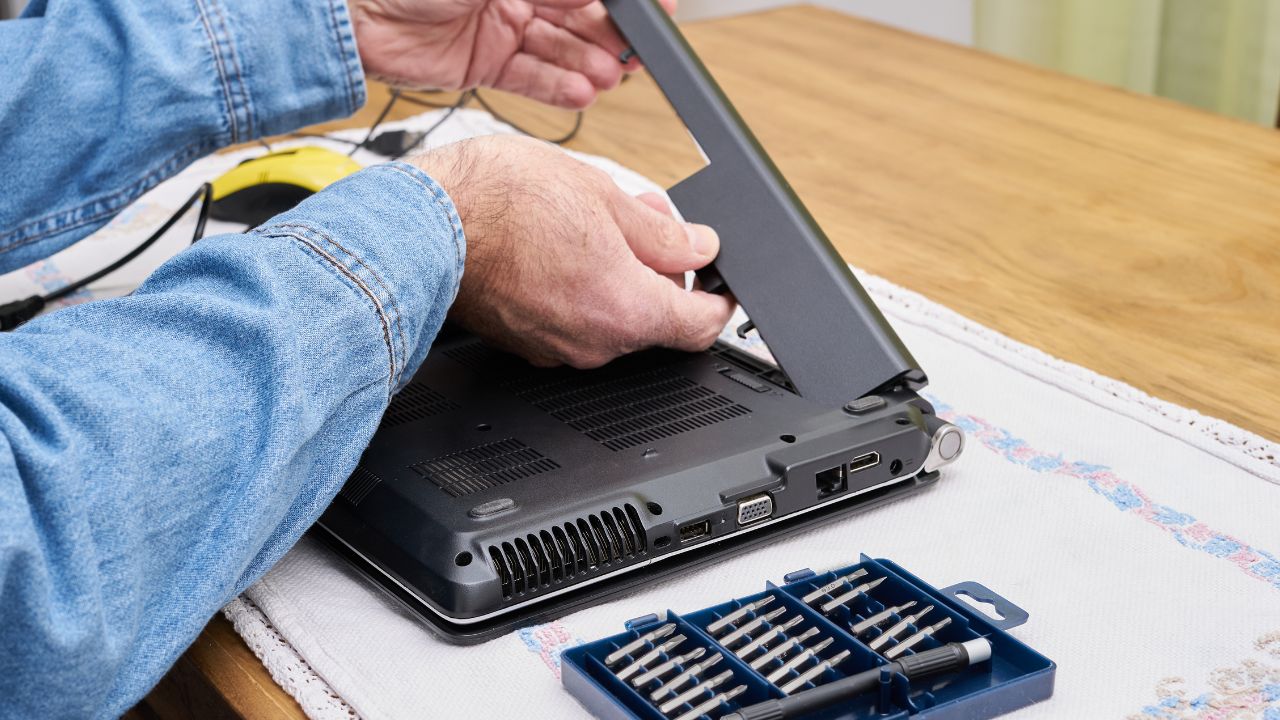
Common Problems with HP Laptop Battery
1. Battery Not Charging
One of the most frequent issues is when the laptop is plugged in but the battery does not charge.
2. Fast Battery Drain
If your battery drains within a short time, it may have lost its efficiency.
3. Laptop Works Only When Plugged In
This usually indicates that the battery is no longer holding charge.
4. Overheating
A faulty battery can generate excess heat, affecting performance.
5. Battery Not Detected
Sometimes the system fails to recognize the battery completely.
If you’re facing any of these issues, considering hp laptop battery replacement in patna is often the most reliable solution.
What Causes Battery Issues?
Aging Battery
Laptop batteries have a limited lifespan, usually 2–4 years.
Overcharging
Keeping your laptop plugged in all the time can reduce battery health.
High Temperature
Heat is one of the biggest enemies of battery life.
Heavy Usage
Running multiple applications continuously drains the battery faster.
Faulty Charger
Sometimes the charger is the real problem, not the battery.
If the problem continues despite basic fixes, going for hp laptop battery replacement in patna is the best option.
Simple Fixes You Can Try
Adjust Power Settings
Use battery saver mode and reduce screen brightness.
Close Background Apps
Too many apps running in the background can drain power quickly.
Update Drivers
Outdated drivers can affect battery performance.
Check Charger
Try a different charger to confirm if the issue is with the adapter.
If these steps don’t solve the issue, it’s time to consider hp laptop battery replacement in patna.
When Should You Replace the Battery?
You should replace your battery if:
- It drains very quickly
- It doesn’t charge fully
- The laptop shuts down suddenly
- It only works when plugged in
- You notice swelling or heating issues
Professional services offering hp laptop battery replacement in patna can safely replace your battery and ensure proper functioning.
Tips to Improve Battery Life
- Avoid overcharging
- Keep your laptop in a cool place
- Use original chargers
- Turn off unused features
- Keep your system updated
These habits can help extend the life of your battery.
FAQs (Frequently Asked Questions)
1. How long does an HP laptop battery last?
Typically, 2–4 years depending on usage.
2. Can I use my laptop while charging?
Yes, but avoid keeping it plugged in continuously.
3. Is battery replacement expensive?
It depends on the model, but it’s usually affordable.
4. How long does it take to replace a battery?
Most replacements are completed within a few hours.
5. Where can I get reliable service in Patna?
You can find trusted technicians offering hp laptop battery replacement in patna for fast and professional service.
Conclusion
A faulty battery can affect your laptop’s performance and productivity, but it’s not something you should ignore. Early diagnosis and proper action can save you from bigger issues.
If your HP laptop battery is no longer working properly, don’t wait too long. Choosing professional hp laptop battery replacement in patna can restore your device’s performance and make it as good as new again.