
hp laptop charging port repair in patna
HP Laptop Charging Port Not Working – Causes, Fixes & Reliable Solutions
Few things are more frustrating than plugging in your laptop and seeing no response. If your HP laptop charging port is not working, it can interrupt your work, studies, and daily tasks. This issue is quite common and can happen due to several reasons, ranging from minor faults to serious hardware problems.
Understanding what’s causing the issue can help you decide whether you can fix it yourself or need professional help. If the problem persists, looking for a trusted hp laptop charging port repair in patna can be the best solution.
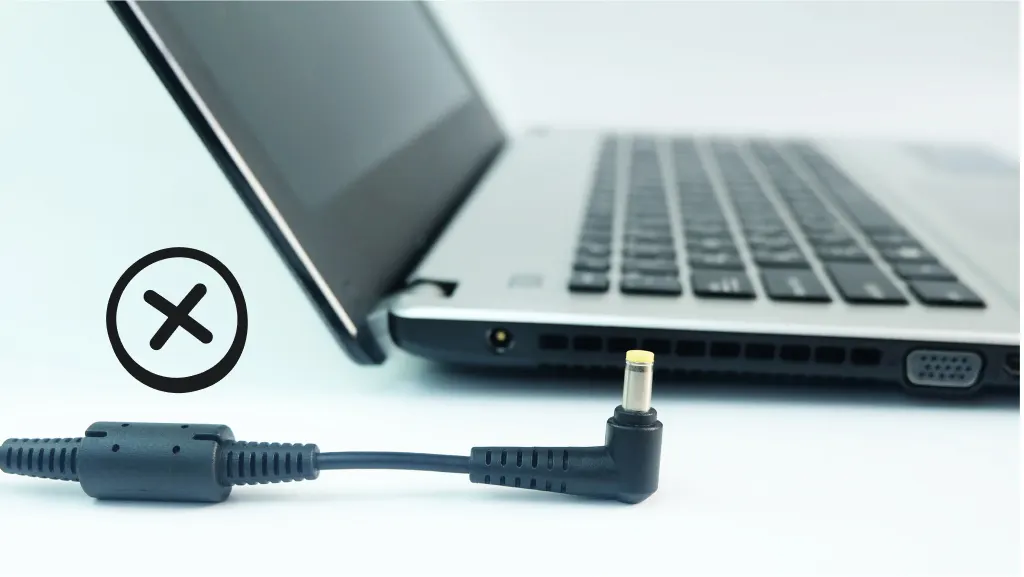
Why Is Your HP Laptop Not Charging?
1. Loose or Damaged Charging Port
Over time, frequent plugging and unplugging can loosen the charging port or damage its internal pins.
2. Faulty Charger or Cable
Sometimes, the issue isn’t with the laptop but with the charger itself. A damaged adapter or cable can prevent proper charging.
3. Battery Issues
If your battery is old or worn out, it may not charge even when the charger is connected.
4. Dust and Debris
Dust particles inside the charging port can block proper connection between the charger and the laptop.
5. Motherboard Problems
In some cases, the issue may lie deeper within the motherboard, requiring professional repair.
If you’re unsure about the exact cause, consulting an expert in hp laptop charging port repair in patna is a safe and effective option.
Signs Your Charging Port Needs Repair
-
Laptop not charging even when plugged in
-
Charger feels loose in the port
-
Charging starts and stops randomly
-
Burn marks or visible damage near the port
-
Laptop only works when charger is held at a certain angle
These signs clearly indicate that your laptop needs attention. Ignoring them may worsen the issue over time.
Simple Fixes You Can Try at Home
Check the Charger
Try using a different charger to rule out adapter issues.
Clean the Charging Port
Use a soft brush or compressed air to gently clean the port.
Restart Your Laptop
Sometimes, a simple restart can fix minor software-related charging issues.
Remove and Reinsert the Battery (if removable)
This can help reset the connection.
If these steps don’t work, it’s better to seek professional hp laptop charging port repair in patna to avoid further damage.
When Should You Seek Professional Help?
If your laptop still isn’t charging after trying basic fixes, it’s time to consult a technician. Professionals can:
-
Repair or replace the charging port
-
Fix internal circuit damage
-
Diagnose motherboard issues
-
Ensure safe and long-lasting repair
Choosing a reliable service for hp laptop charging port repair in patna ensures that your device is handled properly.
Tips to Prevent Charging Port Issues
-
Avoid pulling the charger cable forcefully
-
Always plug and unplug gently
-
Keep the port clean and dust-free
-
Use original or high-quality chargers
-
Avoid using your laptop while it’s charging in awkward positions
Taking these precautions can significantly extend the life of your charging port.
FAQs (Frequently Asked Questions)
1. Why is my HP laptop plugged in but not charging?
It could be due to a faulty charger, damaged port, or battery issues.
2. Can a charging port be repaired?
Yes, in most cases, the charging port can be repaired or replaced by a technician.
3. How much does charging port repair cost?
The cost depends on the damage but is usually affordable compared to buying a new laptop.
4. How long does the repair take?
Most repairs can be completed within a few hours to one day.
5. Where can I find reliable repair services in Patna?
You can look for trusted technicians offering hp laptop charging port repair in patna for quick and professional assistance.
Conclusion
A non-working charging port can be a major inconvenience, but it doesn’t always mean you need a new laptop. With the right approach, most issues can be fixed easily.
Start with basic troubleshooting, and if the problem continues, don’t hesitate to seek expert help. Getting professional hp laptop charging port repair in patna can restore your laptop’s functionality and save you from bigger expenses in the future.