
HP laptop speaker repair in patna
HP Laptop Speaker Not Working? Causes, Fixes & Repair Guide
There’s nothing more frustrating than opening your laptop for music, movies, or meetings—only to realize there’s no sound. Speaker issues are quite common in HP laptops and can happen due to both software and hardware problems. While some issues can be fixed at home, others may require professional hp laptop speaker repair in patna for a proper solution.
If your laptop speakers have suddenly stopped working or the sound quality has dropped, it’s important to identify the cause before jumping to conclusions.
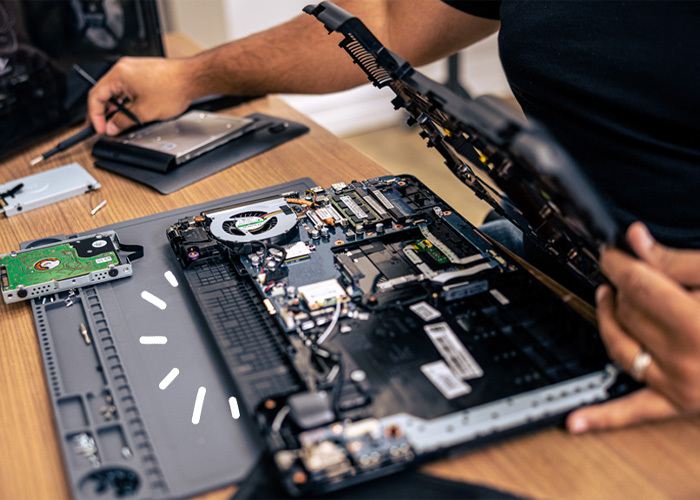
Common Reasons Why HP Laptop Speakers Stop Working
Speaker problems don’t always mean a serious fault. In many cases, it’s a simple issue that can be fixed quickly.
Here are some common reasons:
- Audio settings are muted or misconfigured
- Outdated or corrupted audio drivers
- Headphones connected or stuck in jack
- Windows update issues
- Internal speaker damage
Before considering hp laptop speaker repair in patna, try basic troubleshooting steps to see if the issue resolves.
Easy Fixes You Can Try at Home
1. Check Volume and Audio Settings
Make sure your system volume is not muted and the correct output device is selected.
2. Restart Your Laptop
A simple restart can fix temporary software glitches affecting sound.
3. Update Audio Drivers
Go to Device Manager and update your sound drivers. If needed, reinstall them.
4. Remove External Devices
Disconnect headphones or Bluetooth speakers that might be overriding internal audio.
5. Run Windows Troubleshooter
Use the built-in audio troubleshooter to detect and fix problems automatically.
If these steps don’t work, the issue might require expert hp laptop speaker repair in patna.
Signs of Hardware-Related Speaker Issues
If your laptop still has no sound after trying all fixes, it could be a hardware problem.
Watch out for these signs:
- No sound at all even at full volume
- Distorted or cracking audio
- Sound coming only from one side
- Speaker not detected by the system
In such cases, it’s best to avoid DIY repairs and seek professional hp laptop speaker repair in patna services.
Why Professional Repair Is the Right Choice
Repairing internal components without proper tools can cause more damage. Professional technicians offer:
- Accurate diagnosis of the issue
- Safe repair or replacement of speakers
- Use of genuine parts
- Quick and reliable service
Choosing a trusted service for hp laptop speaker repair in patna ensures your laptop’s audio is restored without risk.
Tips to Prevent Speaker Problems
To keep your laptop speakers in good condition, follow these simple tips:
- Avoid playing audio at maximum volume for long periods
- Keep your laptop clean and dust-free
- Protect it from moisture and liquid spills
- Update your system regularly
- Handle your device carefully
These small steps can help reduce the chances of needing hp laptop speaker repair in patna in the future.
Conclusion
HP laptop speaker issues can be annoying, but most of them are fixable. Start with basic troubleshooting, and if the problem persists, don’t hesitate to seek professional help. Reliable hp laptop speaker repair in patna services can quickly restore sound quality and improve your overall experience.
FAQs
1. Why is my HP laptop not producing any sound?
It could be due to muted settings, driver issues, or hardware problems.
2. How can I fix my laptop speakers at home?
Check audio settings, update drivers, and run the troubleshooter.
3. Can speakers be repaired or do they need replacement?
Minor issues can be repaired, but damaged speakers may need replacement.
4. Is it safe to open the laptop and fix speakers myself?
It’s not recommended unless you have technical experience.
5. How long does speaker repair take?
Most repairs are completed within a few hours, depending on the issue.