
HP Service Center in Patna – Expert Solutions for HP Processor & SSD Issues
If your HP laptop has become slow, freezes frequently, fails to boot, or displays storage-related errors, the problem may be linked to the processor or SSD. Choosing a reliable HP Service Center in Patna ensures accurate diagnosis, quality repairs, and long-lasting performance for your laptop.
Modern HP laptops depend on high-speed processors and SSD storage for smooth multitasking. Even a minor hardware issue can significantly affect your productivity. Professional technicians use advanced diagnostic tools to identify the exact cause and restore your laptop efficiently.
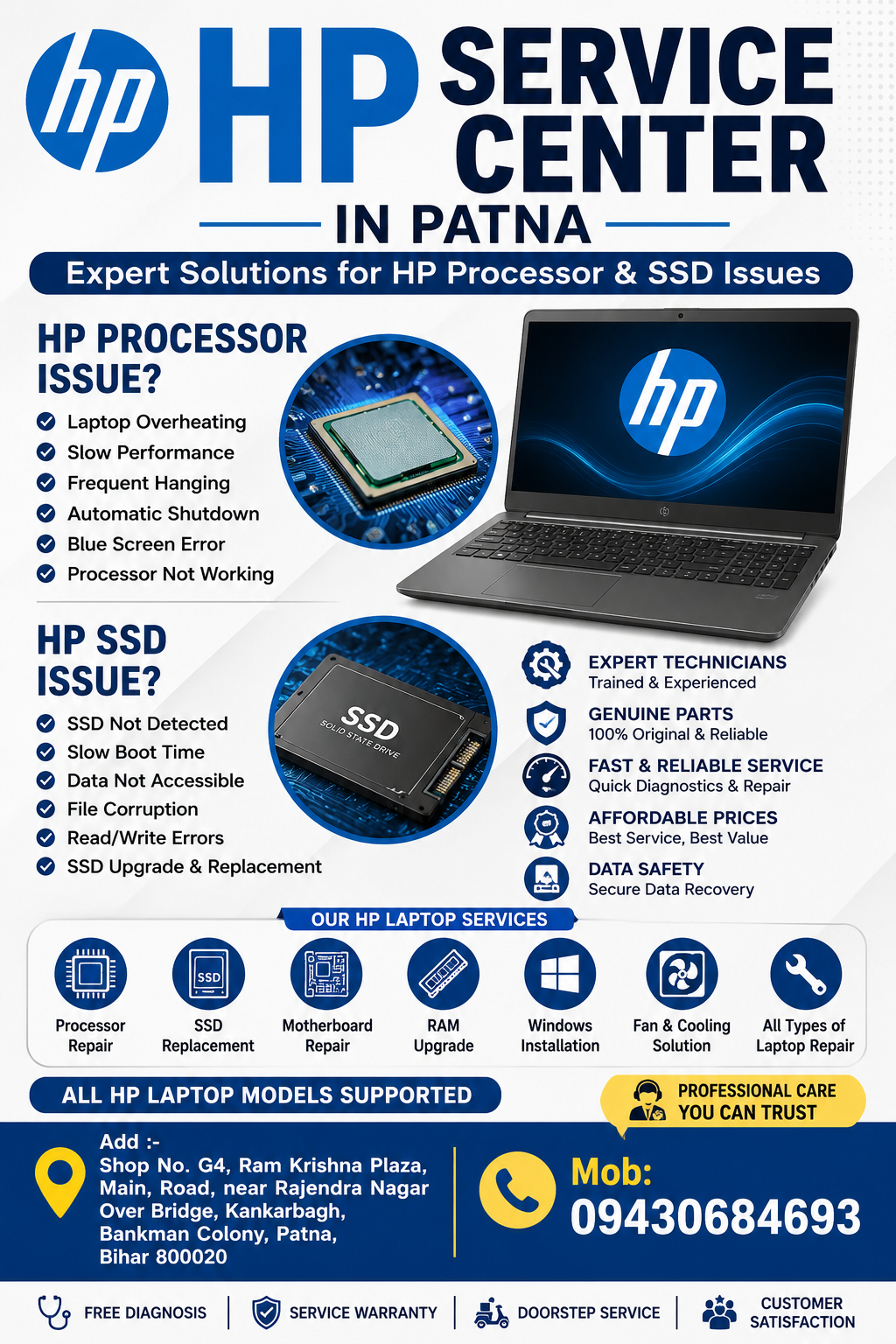
HP Service Center in Patna – Expert Solutions for HP Processor & SSD Issues
Common HP Processor Issues
Processor-related problems can affect the overall performance of your HP laptop. Some common symptoms include:
- Laptop overheating
- Random shutdowns
- Frequent system freezing
- Slow processing speed
- Blue Screen of Death (BSOD)
- High CPU usage
- Laptop restarting automatically
- Fan running continuously
- Applications crashing unexpectedly
- Failure to boot Windows
Ignoring these symptoms may result in motherboard damage or permanent hardware failure.
Signs of HP SSD Failure
Solid State Drives are much faster than traditional hard drives, but they can also develop faults over time.
Common SSD issues include:
- Laptop stuck on HP logo
- SSD not detected in BIOS
- Windows installation failure
- Slow boot time
- Frequent file corruption
- Read/write errors
- System hanging while opening files
- Unexpected data loss
- Blue screen errors
- SSD health warning messages
Professional SSD diagnostics help determine whether the drive can be repaired or needs replacement.
HP Service Center in Patna – Expert Solutions for HP Processor & SSD Issues
Causes of Processor and SSD Problems
Several factors can contribute to hardware failures:
- Excessive heat
- Power fluctuations
- Dust accumulation
- Liquid damage
- Outdated BIOS
- Faulty motherboard components
- Manufacturing defects
- Physical damage
- SSD wear after prolonged usage
- Improper shutdowns
Early diagnosis can prevent expensive repairs.
HP Processor Diagnostic Services
A professional HP Service Center in Patna performs complete hardware diagnostics before recommending repairs.
Services generally include:
- CPU performance testing
- Thermal inspection
- Motherboard diagnosis
- Power circuit testing
- Cooling system inspection
- BIOS configuration
- Chip-level troubleshooting
- Fan and heatsink cleaning
- Thermal paste replacement
- Performance optimization
Accurate diagnostics eliminate unnecessary repairs.
HP SSD Repair Services
Experienced engineers provide complete SSD solutions, including:
- SSD health analysis
- Firmware troubleshooting
- SSD cloning
- Data recovery
- SSD replacement
- Windows installation
- Driver installation
- BIOS configuration
- Performance optimization
- Storage upgrade
Using genuine storage components helps maintain long-term reliability.
Benefits of SSD Upgrade
Replacing an old storage drive with an SSD can dramatically improve performance.
Benefits include:
- Faster boot time
- Quick application loading
- Better multitasking
- Lower power consumption
- Silent operation
- Improved durability
- Reduced heat generation
- Better gaming performance
- Faster file transfers
- Enhanced productivity
Many older HP laptops experience a noticeable speed improvement after an SSD upgrade.
Why Professional Repair Matters
Processor and SSD repairs require specialized tools and technical expertise.
Professional repair offers:
- Accurate fault detection
- Safe component handling
- Genuine replacement parts
- Data protection
- Warranty-supported repairs
- Advanced diagnostic equipment
- Chip-level repair expertise
- Reliable testing procedures
- Improved laptop lifespan
- Better overall performance
DIY repairs can sometimes worsen hardware damage.
HP Laptop Models Supported
Experienced technicians repair almost every HP laptop series, including:
- HP Pavilion
- HP EliteBook
- HP ProBook
- HP Spectre
- HP Envy
- HP Omen
- HP Victus
- HP Chromebook
- HP ZBook
- HP Essential Series
Additional HP Laptop Repair Services
Apart from processor and SSD repairs, a trusted HP Service Center in Patna also offers:
- Motherboard Repair
- Display Replacement
- Keyboard Replacement
- Battery Replacement
- Charging Port Repair
- RAM Upgrade
- BIOS Repair
- Windows Installation
- Virus Removal
- Data Recovery
- Liquid Damage Repair
- Fan Replacement
- Speaker Repair
- Hinge Repair
- Screen Replacement
Tips to Protect Your HP Laptop
Follow these maintenance tips to reduce hardware failures:
- Keep the laptop clean.
- Avoid blocking ventilation.
- Update Windows regularly.
- Install BIOS updates carefully.
- Use an original charger.
- Keep antivirus software updated.
- Monitor SSD health periodically.
- Avoid sudden power interruptions.
- Back up important data regularly.
- Prevent overheating by cleaning cooling vents.
Why Choose a Trusted HP Service Center in Patna?
A professional repair center provides reliable solutions using experienced technicians and advanced diagnostic tools. Whether your HP laptop is facing processor failure, SSD errors, overheating, or motherboard problems, timely repair can restore its performance and extend its lifespan.
Choosing an experienced HP Service Center in Patna helps minimize downtime while ensuring your laptop operates efficiently for work, education, gaming, or business use.
Frequently Asked Questions (FAQs)
1. How do I know if my HP processor is failing?
Common symptoms include overheating, frequent shutdowns, slow performance, blue screen errors, and automatic restarts.
2. Can an HP SSD be repaired?
Some SSD issues can be resolved through firmware updates or data recovery, while physically damaged SSDs generally require replacement.
3. How long does processor or SSD repair take?
Depending on the issue, diagnosis and repair may take from a few hours to a couple of days.
4. Is SSD better than HDD for HP laptops?
Yes. SSDs provide significantly faster boot times, quicker application loading, improved responsiveness, and lower power consumption.
5. Can data be recovered from a failed SSD?
In many cases, professional technicians can recover data depending on the nature of the SSD failure.