
HP Laptop Service Center in Patna
A laptop keyboard and touchpad are essential for smooth everyday work. Whether you use your HP laptop for business, education, office tasks, programming, designing, or gaming, even a minor keyboard or touchpad problem can interrupt productivity. If your HP laptop keys are not working, typing automatically, or the touchpad has stopped responding, professional diagnosis is important.
At HP Care in Patna, our experienced technicians provide reliable diagnostics and repair services for all HP laptop models. If you are searching for a dependable HP Laptop Service Center in Patna, our team offers quick troubleshooting, component-level repair, and genuine replacement solutions to restore your laptop’s performance.
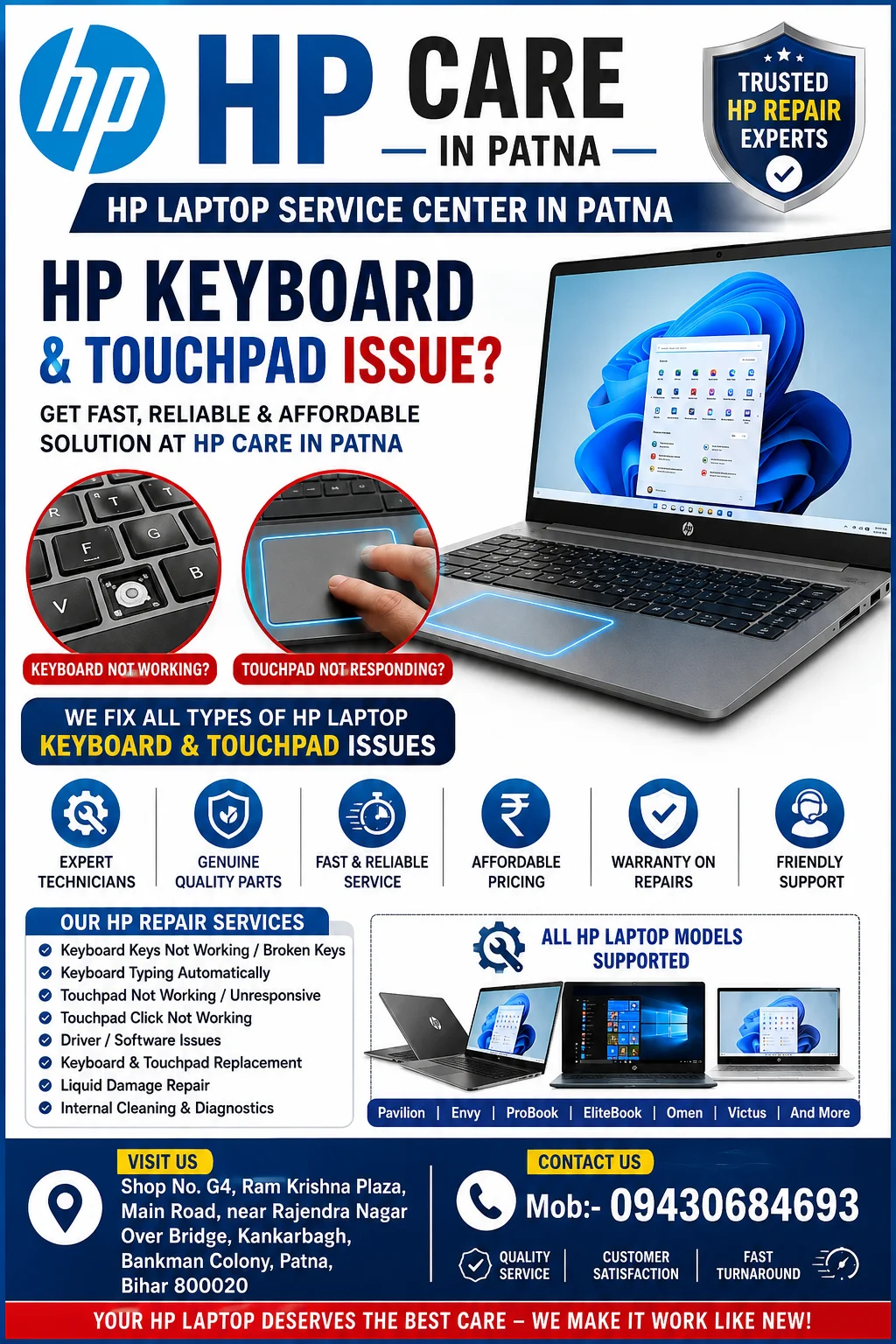
Common HP Keyboard Problems
HP laptop keyboards may develop issues over time due to regular usage, accidental liquid spills, dust accumulation, hardware failure, or software-related problems.
Common symptoms include:
- Some keyboard keys are not working
- Entire keyboard becomes unresponsive
- Keyboard typing incorrect characters
- Automatic typing without pressing keys
- Function (Fn) keys not working
- Backlit keyboard not lighting up
- Sticky or damaged keys
- Keyboard works only after restarting
- Certain shortcuts stop functioning
Ignoring these symptoms may lead to more serious motherboard or connector issues.
HP Laptop Service Center in Patna
Common HP Touchpad Problems
A faulty touchpad can make operating your laptop extremely difficult.
Typical issues include:
- Touchpad not responding
- Cursor freezes frequently
- Multi-touch gestures stop working
- Left or right click not functioning
- Cursor moving automatically
- Slow cursor movement
- Touchpad disabled after Windows update
- Random cursor jumps
- Intermittent touchpad response
Professional diagnosis helps determine whether the issue is software-related or caused by hardware failure.
HP Laptop Service Center in Patna
Why Do HP Keyboard and Touchpad Issues Occur?
Several factors can cause keyboard and touchpad malfunction:
Dust and Dirt Build-up
Dust particles accumulate beneath keyboard keys and touchpad buttons, reducing responsiveness.
Liquid Damage
Even a small amount of liquid may damage keyboard circuits or internal connectors.
Driver Corruption
Windows updates or incorrect driver installation can disable keyboard or touchpad functionality.
Ribbon Cable Damage
The keyboard and touchpad communicate through delicate ribbon cables that may loosen or become damaged.
Motherboard Problems
Faulty controller ICs or motherboard circuits can prevent input devices from functioning properly.
Physical Wear
After years of regular use, keyboard switches naturally wear out.
Professional Diagnosis at HP Care in Patna
At HP Care in Patna, every repair begins with a detailed inspection.
Our technicians perform:
- Complete hardware diagnosis
- Keyboard testing
- Touchpad functionality testing
- BIOS verification
- Driver inspection
- Internal connector inspection
- Motherboard diagnostics
- Water damage inspection
- Power circuit testing
This helps identify the exact cause before beginning repairs.
Our HP Keyboard Repair Services
We provide repair services for:
- Individual key replacement
- Complete keyboard replacement
- Backlit keyboard repair
- Ribbon cable replacement
- Keyboard connector repair
- Liquid damage cleaning
- Internal keyboard cleaning
- BIOS troubleshooting
- Keyboard controller repair
Every repair is completed using professional tools and quality replacement components.
HP Touchpad Repair Services
Our touchpad repair solutions include:
- Touchpad replacement
- Click button repair
- Touchpad ribbon replacement
- Driver installation
- Windows configuration
- BIOS settings correction
- Motherboard touch controller repair
- Palm rest replacement (if required)
HP Laptop Models We Repair
We repair keyboard and touchpad issues for almost every HP laptop series, including:
- HP Pavilion
- HP Envy
- HP Spectre
- HP ProBook
- HP EliteBook
- HP Omen
- HP Victus
- HP Chromebook
- HP Essential Series
- HP Notebook Series
- HP ZBook Workstations
Signs Your HP Laptop Needs Immediate Repair
Do not delay repair if you notice:
- Multiple keys stop working
- Keyboard types continuously
- Touchpad completely stops responding
- Laptop hangs while typing
- Keyboard lights stop working
- Random cursor movement
- Water spill on keyboard
- Keyboard heating
- Frequent input lag
Early repair can help prevent additional hardware damage.
Why Choose HP Care in Patna?
Customers choose HP Care in Patna because we focus on accurate diagnosis, transparent service, and dependable repairs.
Experienced Technicians
Our engineers are experienced in diagnosing both hardware and software issues affecting HP laptops.
Genuine Quality Parts
Only reliable replacement components are used for long-lasting performance.
Fast Turnaround
Most keyboard and touchpad repairs are completed quickly after diagnosis, depending on parts availability.
Affordable Pricing
Transparent estimates are provided before repair work begins.
Advanced Diagnostic Equipment
We use professional diagnostic tools to identify faults precisely.
Customer Satisfaction
Every repair is performed with attention to quality and functionality.