
HP Care in Patna
Are you facing an HP Laptop Heating & Stuck Issue while working, studying, gaming, or attending online meetings? Overheating and system freezing are among the most common problems HP laptop users experience. If not addressed on time, these issues can affect your laptop’s performance, reduce hardware lifespan, and lead to unexpected shutdowns.
At HP Care in Patna, we help customers diagnose and resolve heating, lagging, and stuck issues in HP laptops with professional troubleshooting and repair services.
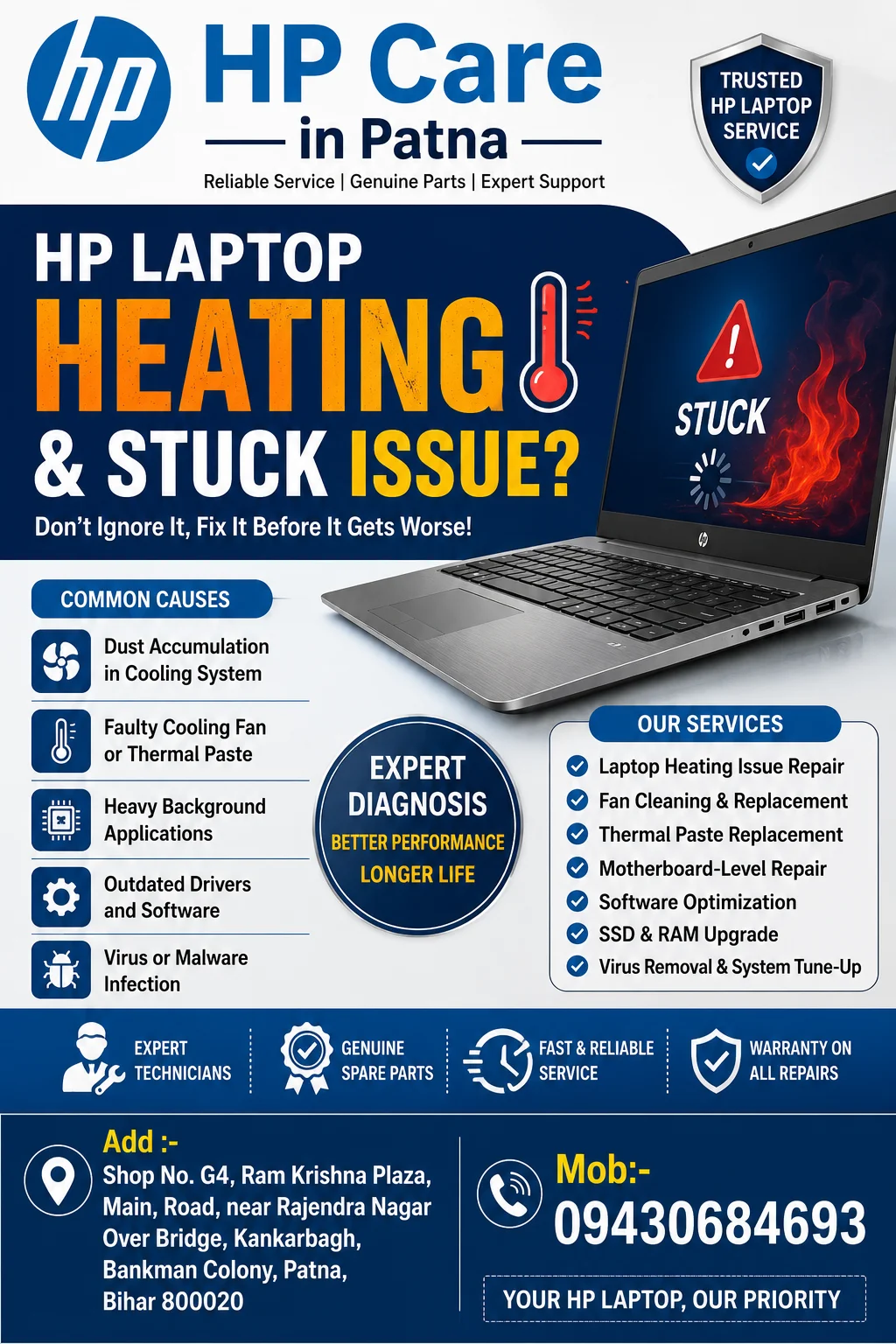
Why Does an HP Laptop Overheat?
Several factors can contribute to excessive heat generation in HP laptops. Understanding the root cause is the first step toward solving the problem.
1. Dust Accumulation in Cooling Vents
Over time, dust and debris block air vents and cooling fans, restricting airflow and causing the laptop to heat up.
2. Faulty Cooling Fan
A damaged or slow-running cooling fan fails to dissipate heat efficiently, resulting in high internal temperatures.
3. Heavy Background Applications
Running multiple software programs simultaneously can increase CPU and RAM usage, causing the system to overheat and become unresponsive.
4. Outdated Drivers and Software
Old drivers and operating system issues can create performance conflicts that lead to heating and freezing problems.
5. Thermal Paste Degradation
Thermal paste transfers heat from the processor to the heat sink. When it dries out, heat dissipation becomes less effective.
Common Symptoms of HP Laptop Heating & Stuck Issues
If your laptop shows any of the following signs, it may require professional inspection:
- Laptop becomes excessively hot during normal use
- Frequent freezing or hanging
- Slow startup and delayed response
- Sudden shutdowns or restarts
- Fan running continuously at high speed
- Blue screen errors
- Applications becoming unresponsive
- Reduced battery performance
How to Fix HP Laptop Heating & Stuck Issues
Clean the Cooling System
Regular cleaning of air vents and internal fans helps maintain proper airflow and cooling efficiency.
Update Windows and Drivers
Installing the latest updates can improve performance and fix software-related bugs.
Close Unnecessary Applications
Reduce CPU and memory usage by closing unused background programs.
Use a Cooling Pad
A laptop cooling pad can help lower operating temperatures during extended usage.
Scan for Malware
Viruses and malware often consume system resources, causing overheating and sluggish performance.
Upgrade RAM or SSD
Older laptops may benefit significantly from RAM upgrades or SSD installation for smoother performance.
For advanced diagnostics and repairs, visit HP Care in Patna, where experienced technicians provide professional solutions for HP laptop performance issues.
Why Professional Repair Is Important
Ignoring heating and freezing issues can lead to:
- Motherboard damage
- Processor failure
- Hard drive corruption
- Data loss
- Reduced laptop lifespan
Professional diagnosis helps identify the exact cause and prevents costly future repairs.
Why Choose HP Care in Patna?
When dealing with an HP Laptop Heating & Stuck Issue, choosing a reliable service provider is essential. HP Care in Patna offers experienced technicians, advanced diagnostic tools, hardware upgrades, cooling system maintenance, fan replacement, SSD upgrades, and software optimization services for all HP laptop models.
Customers trust HP Care in Patna for fast service, transparent repair processes, and dependable technical support. Whether your HP laptop is overheating, hanging, running slowly, or freezing frequently, the team at HP Care in Patna is ready to help restore optimal performance.
Conclusion
An HP Laptop Heating & Stuck Issue can affect productivity and potentially damage critical hardware components if left unresolved. Regular maintenance, timely software updates, and professional servicing can keep your laptop running efficiently. If your HP laptop is overheating, freezing, or performing poorly, professional diagnosis and repair can help identify the root cause and restore smooth functionality.