
HP Care in Patna
Modern HP laptops are designed to deliver speed, performance, and reliability. However, over time, users may experience storage-related problems such as hard disk failure, SSD detection errors, slow boot times, data corruption, or frequent system crashes. If you are facing any of these issues, professional diagnosis is important to prevent data loss and further hardware damage.
At HP Care in Patna, experienced technicians diagnose and repair all types of HP hard disk and SSD issues, helping users restore their laptop performance quickly and efficiently.
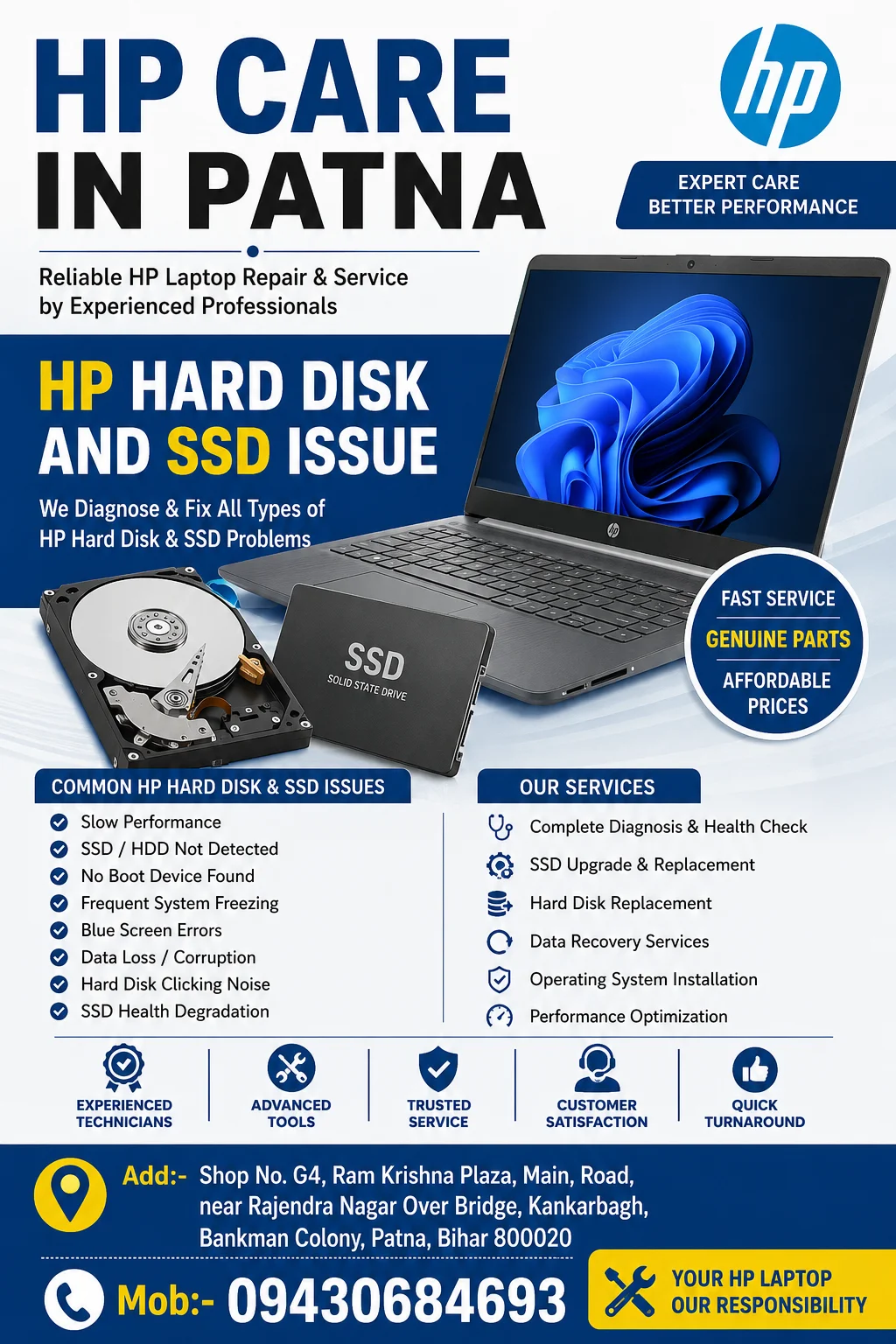
Common Signs of HP Hard Disk and SSD Problems
Storage device issues often begin with small warning signs. Ignoring these symptoms can lead to complete drive failure.
Some common indicators include:
- Laptop taking too long to start
- Frequent system freezing
- Blue screen errors
- “No Boot Device Found” message
- SSD not detected in BIOS
- Hard disk clicking or unusual noises
- Files becoming corrupted or inaccessible
- Slow application loading times
- Unexpected system shutdowns
If your HP laptop shows any of these symptoms, immediate inspection is recommended by HP Care in Patna.
Why HP Hard Disk Problems Occur
Several factors can contribute to hard disk failure in HP laptops:
Physical Damage
Accidental drops, impacts, or improper handling may damage internal disk components.
Bad Sectors
Hard drives can develop bad sectors over time, causing data access problems and reduced performance.
Overheating
Continuous high temperatures can shorten the lifespan of storage devices.
Power Fluctuations
Improper shutdowns and voltage fluctuations may damage storage components.
Age and Wear
Traditional hard drives contain moving parts that naturally wear out after years of use.
Common HP SSD Issues
Although SSDs are more reliable than traditional hard drives, they can still experience problems.
SSD Not Detected
The laptop may fail to recognize the SSD due to firmware issues, connector problems, or motherboard-related faults.
Slow SSD Performance
A previously fast SSD may become slower because of storage saturation, outdated firmware, or operating system issues.
Frequent Freezing
SSD controller failures or corrupted system files can result in random freezes.
Boot Failure
When critical system files become damaged, the laptop may fail to boot properly.
SSD Health Degradation
Every SSD has a limited write cycle. Excessive usage can eventually reduce performance and reliability.
Professional Diagnosis at HP Care in Patna
Storage-related issues should be diagnosed accurately before replacement. Professional technicians perform:
- SSD and hard disk health checks
- BIOS storage detection testing
- Bad sector analysis
- Performance benchmarking
- Data recovery assessment
- Operating system diagnostics
- Storage interface inspection
Proper diagnosis ensures the actual cause of the issue is identified before any repair is performed.
Hard Disk vs SSD – Which Is Better for HP Laptops?
| Feature | Hard Disk (HDD) | SSD |
|---|---|---|
| Speed | Moderate | Very Fast |
| Boot Time | Longer | Faster |
| Durability | Lower | Higher |
| Noise | Audible | Silent |
| Power Consumption | Higher | Lower |
| Reliability | Good | Excellent |
For users looking to improve laptop speed and responsiveness, SSD upgrades are highly recommended by HP Care in Patna.
Benefits of SSD Upgrade for HP Laptops
Upgrading from a traditional hard drive to an SSD can significantly improve overall performance.
Benefits include:
- Faster boot times
- Quicker application loading
- Improved multitasking
- Better battery efficiency
- Reduced system lag
- Enhanced overall user experience
Many HP laptop users experience a noticeable performance boost immediately after an SSD upgrade.
Data Recovery Solutions
When a storage device fails, important files may still be recoverable.
Professional data recovery services may help retrieve:
- Documents
- Photos
- Videos
- Business files
- Academic projects
- Personal data
The success of recovery depends on the extent of storage damage and how quickly professional assistance is sought.
Preventing Future Hard Disk and SSD Issues
Users can improve storage reliability by following these practices:
- Keep regular backups of important files
- Avoid sudden power interruptions
- Maintain proper laptop cooling
- Update system firmware regularly
- Monitor storage health periodically
- Avoid physical shocks and drops
- Use genuine storage components
Preventive maintenance helps extend the lifespan of both HDDs and SSDs.
Why Choose HP Care in Patna?
Choosing a professional repair provider ensures accurate diagnosis and reliable solutions.
Advantages include:
- Experienced HP laptop technicians
- Advanced diagnostic tools
- SSD upgrade assistance
- Hard disk replacement solutions
- Data recovery support
- Genuine component recommendations
- Fast turnaround time
- Customer-focused service
Whether your HP laptop suffers from storage failure, boot issues, data loss, or performance problems, HP Care in Patna provides professional support to restore your device efficiently.
Conclusion
Storage issues can severely impact the performance and usability of any HP laptop. Early diagnosis is essential to avoid data loss and expensive repairs. Whether you are dealing with a failing hard disk, SSD detection error, slow system performance, or boot failures, professional inspection can help identify the exact cause.