
hp laptop touchpad repair in patna
HP Laptop Touchpad Not Working – Causes, Fixes & When to Repair
A non-working touchpad on your HP laptop can be surprisingly frustrating. Whether you’re working, attending online classes, or just browsing, losing control of your cursor can slow everything down. While many people immediately assume it’s a serious issue, the truth is that touchpad problems are often fixable with a few simple steps.
However, if the issue keeps coming back, it may be time to consider professional help like hp laptop touchpad repair in patna.
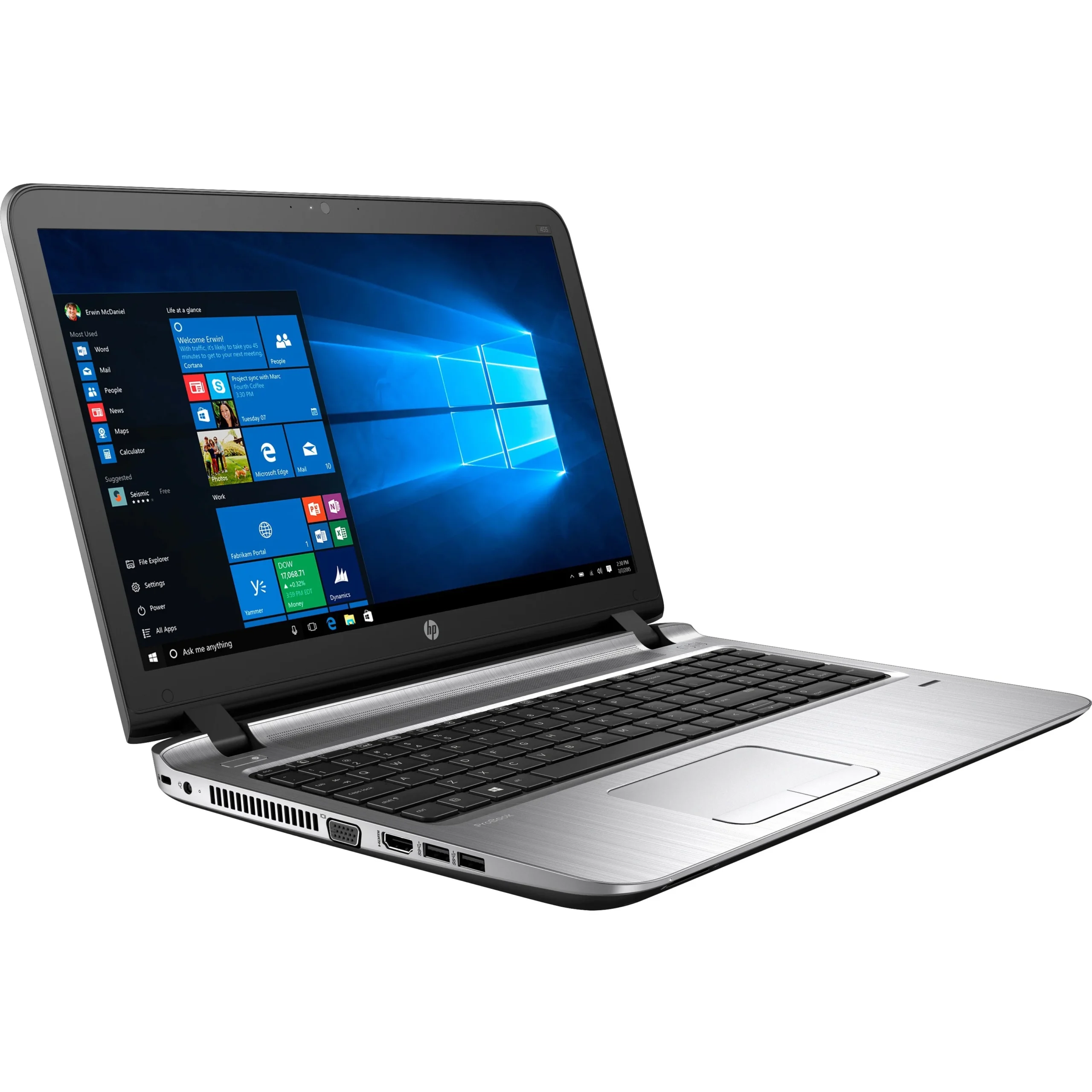
Common Reasons Why HP Touchpad Stops Working
Touchpad issues can happen for a variety of reasons. Here are some of the most common ones:
1. Disabled Touchpad Settings
Sometimes the touchpad gets accidentally disabled through keyboard shortcuts or settings.
2. Driver Problems
Outdated or corrupted drivers can prevent the touchpad from responding properly.
3. Windows Update Issues
After a system update, compatibility issues can affect hardware performance.
4. Hardware Damage
Physical damage, pressure, or moisture can impact touchpad functionality.
5. Loose Internal Connection
In some cases, the touchpad cable inside the laptop may become loose.
If basic checks don’t solve the problem, many users opt for hp laptop touchpad repair in patna to get a proper diagnosis.
Quick Fixes You Can Try at Home
Before heading to a technician, try these simple troubleshooting steps:
- Restart your laptop
- Check if the touchpad is enabled in settings
- Update or reinstall touchpad drivers
- Use an external mouse to navigate temporarily
- Check BIOS settings for touchpad options
These fixes can solve minor issues in just a few minutes. But if your touchpad is still unresponsive, it might need professional attention like hp laptop touchpad repair in patna.
When Should You Consider Repair?
Not every problem can be solved with settings or software fixes. You should consider repair if:
- The touchpad is completely unresponsive
- Cursor movement is erratic or laggy
- Click buttons are not working
- The issue started after a fall or liquid exposure
In such cases, getting expert help for hp laptop touchpad repair in patna can save you from bigger issues later.
Benefits of Getting It Repaired Locally
If you’re in Patna, choosing a local repair service can be a smart decision:
- Faster turnaround time
- Cost-effective solutions
- Easy follow-up and support
- Access to experienced technicians
A trusted service for hp laptop touchpad repair in patna ensures your laptop is handled safely and efficiently.
Tips to Avoid Touchpad Issues
To prevent similar problems in the future, keep these points in mind:
- Keep your laptop clean and dust-free
- Avoid eating or drinking near your device
- Handle your laptop carefully
- Keep drivers updated regularly
Simple precautions can go a long way in maintaining your laptop’s performance.
Final Thoughts
Touchpad issues in HP laptops are quite common, but they don’t always require major repairs. Start basic troubleshooting, and if the issue persists, don’t delay seeking professional help.
Choosing the right service for hp laptop touchpad repair in patna can help restore your device quickly and keep your work uninterrupted.
FAQs – HP Laptop Touchpad Issues
1. Why is my HP touchpad suddenly not working?
It could be due to disabled settings, driver issues, or a recent system update.
2. Can I use my laptop without a touchpad?
Yes, you can use an external mouse as a temporary solution.
3. How do I know if my touchpad is physically damaged?
If there’s no response at all or visible damage, it might be a hardware issue.
4. Is it expensive to repair a laptop touchpad?
Most touchpad repairs are affordable unless internal components need replacement.
5. Can driver updates fix touchpad problems?
Yes, in many cases updating or reinstalling drivers resolves the issue.
6. How long does touchpad repair take?
Usually, it can be fixed within a few hours depending on the problem.