
HP Laptop Service Center in Patna
Best Accessories to Protect Your HP Laptop
An HP laptop is an important investment, whether you use it for office work, online study, creative tasks, or entertainment. Like any electronic device, it needs proper care and protection to maintain performance and long life. Small physical damage, overheating, dust, or power issues can slowly reduce efficiency and lead to expensive repairs.
Using the right protective accessories can significantly reduce these risks. Many users only visit an HP Laptop Service Center in Patna after serious damage occurs, but smart prevention through accessories can help avoid unnecessary trouble and cost.
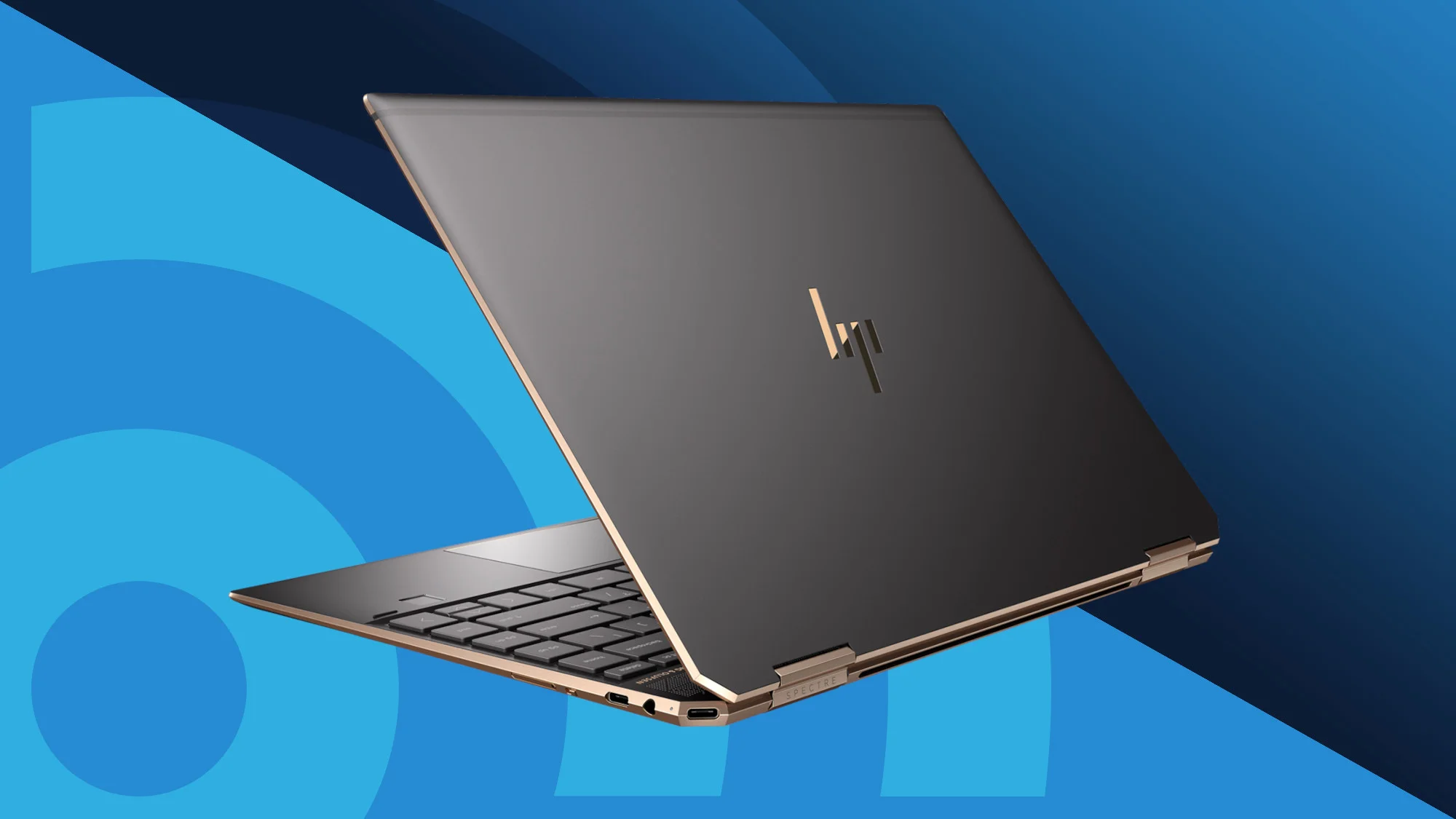
1. Protective Laptop Bag or Sleeve
A strong padded laptop bag or sleeve is the first line of defense. Laptops often get damaged during travel due to accidental drops, pressure, or moisture exposure.
Why it matters:
-
Absorbs shock during movement
-
Protects from scratches and dust
-
Prevents pressure on the screen and body
-
Makes travel safer and more convenient
Choosing a high-quality bag is far cheaper than screen or body repair at an HP Laptop Service Center in Patna.
2. Keyboard Protector Cover
Dust particles, food crumbs, and liquid spills are common causes of keyboard failure. A silicone keyboard cover is a simple but powerful accessory that prevents internal damage.
Benefits:
-
Blocks dust and moisture
-
Keeps keys clean and smooth
-
Reduces wear from continuous typing
-
Easy to remove and wash
Keyboard replacement can be costly, so this small accessory provides long-term protection.
3. Screen Guard or Screen Protector
Laptop screens are delicate and expensive to replace. Even light scratches or pressure marks can affect visibility.
A good screen protector helps:
-
Prevent scratches and minor cracks
-
Reduce glare and eye strain
-
Keep fingerprints and smudges away
-
Maintain clear display quality
Users who ignore screen protection often end up needing display repair at an HP Laptop Service Center in Patna, which could have been avoided with a simple guard.
4. Cooling Pad for Temperature Control
Overheating is one of the biggest reasons behind slow performance, sudden shutdowns, and internal hardware damage. A cooling pad improves airflow and maintains safe temperature levels.
Key advantages:
-
Prevents overheating during heavy work
-
Protects battery and motherboard life
-
Improves laptop speed and stability
-
Comfortable typing angle
Temperature control is essential because overheating is a common reason people seek help from an HP Laptop Service Center in Patna.
5. Surge Protector or UPS
Power fluctuations are very common and can damage the charger, battery, or motherboard. A surge protector or UPS keeps voltage stable and protects internal circuits.
Why you need it:
-
Prevents sudden electrical damage
-
Protects data during power cuts
-
Extends charger and battery lifespan
-
Ensures safe shutdown of the system
Electrical protection is often ignored until serious failure occurs.
6. External Hard Drive for Data Backup
Hardware failure can happen anytime, even with proper care. Keeping an external backup drive ensures your important files remain safe.
Backup advantages:
-
Protects data from system crash
-
Easy file recovery during repair
-
Extra storage for large files
-
Peace of mind during emergencies
Data safety becomes critical when laptops require repair or inspection.
7. Cleaning Kit for Regular Maintenance
Dust accumulation inside vents, keyboard, and screen slowly reduces performance. A basic laptop cleaning kit helps maintain hygiene and airflow.
Regular cleaning helps:
-
Improve cooling efficiency
-
Maintain keyboard responsiveness
-
Keep screen clear and bright
-
Extend overall device life
Preventive maintenance reduces the chances of visiting an HP Laptop Service Center in Patna for avoidable issues.
Conclusion
Protecting an HP laptop is not difficult—it simply requires the right accessories and regular care. A padded bag, keyboard cover, screen protector, cooling pad, surge protector, backup drive, and cleaning kit together create strong protection against daily risks.
Most major laptop problems begin with small, preventable damage. Smart users focus on prevention rather than repair. Still, when professional support is truly needed, timely guidance from a trusted HP Laptop Service Center in Patna ensures safe handling and long-term performance.
Taking care today means fewer repairs, lower costs, and longer laptop life tomorrow.
Frequently Asked Questions (FAQs)
1. Which accessory is most important for laptop protection?
A padded laptop bag and cooling pad are among the most essential because they protect from physical damage and overheating.
2. Do keyboard covers affect typing speed?
No. Good-quality silicone covers are thin and flexible, allowing smooth typing while protecting the keyboard.
3. Is a cooling pad necessary for normal use?
It is highly recommended, especially for long working hours, gaming, or heavy software usage.
4. How often should I clean my laptop?
Light external cleaning should be done weekly, while deep internal cleaning may be needed every few months.
5. When should I visit a professional service center?
If you notice overheating, charging failure, display issues, or unusual noise, professional inspection is the safest option.